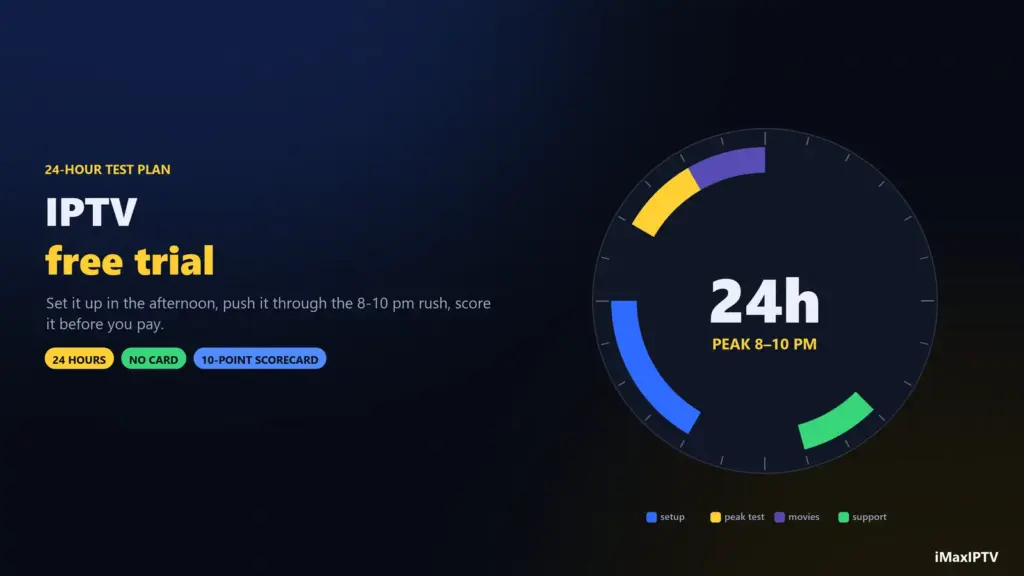
Short answer: the Fire TV Stick 4K Max is the best streaming device for IPTV for most households — it is cheap, fast enough for 4K, and every IPTV app runs on it. If you want the smoothest possible picture and you watch a lot of live sport, an Android TV box with a built-in Ethernet port beats it. If money is no object, the Nvidia Shield TV Pro is still the best box you can buy. And if you would rather not add a box at all, a 2021-or-newer Samsung or LG Smart TV will do the job.
The device matters more than people expect. Your provider decides what the stream looks like when it leaves the server; the box decides what it looks like when it reaches your eyes. A weak box drops frames on a perfect stream, and no subscription can fix that. Here is what actually separates them.
What Makes a Device Good for IPTV?
Four things decide whether an IPTV box is good: a hardware video decoder, at least 2 GB of RAM, a wired Ethernet option, and an app store that carries real IPTV players. Everything else — voice remotes, gaming, storage size — is comfort, not performance.
| What to look at | Why it matters for IPTV | Minimum worth buying |
|---|---|---|
| Hardware decoder | Decodes H.264/H.265 in the chip instead of the CPU; software decoding overheats and stutters | H.265 (HEVC) support |
| RAM | Live TV plus a full EPG plus a 50,000-channel list is memory-hungry | 2 GB (3–4 GB is comfortable) |
| Ethernet | Removes the single biggest cause of buffering — unstable Wi-Fi | Built in, or a USB/OTG adapter |
| App availability | You need TiViMate, IPTV Smarters Pro or XCIPTV to actually exist for the platform | Android TV, Fire OS or Tizen/webOS |
| Storage | The app caches the guide and channel list; a full device stutters | 8 GB, 16 GB preferred |
Swipe the table sideways to see every column.
Notice what is not on that list: 8K support, gaming chips and huge storage. IPTV is a decoding job, not a rendering job.
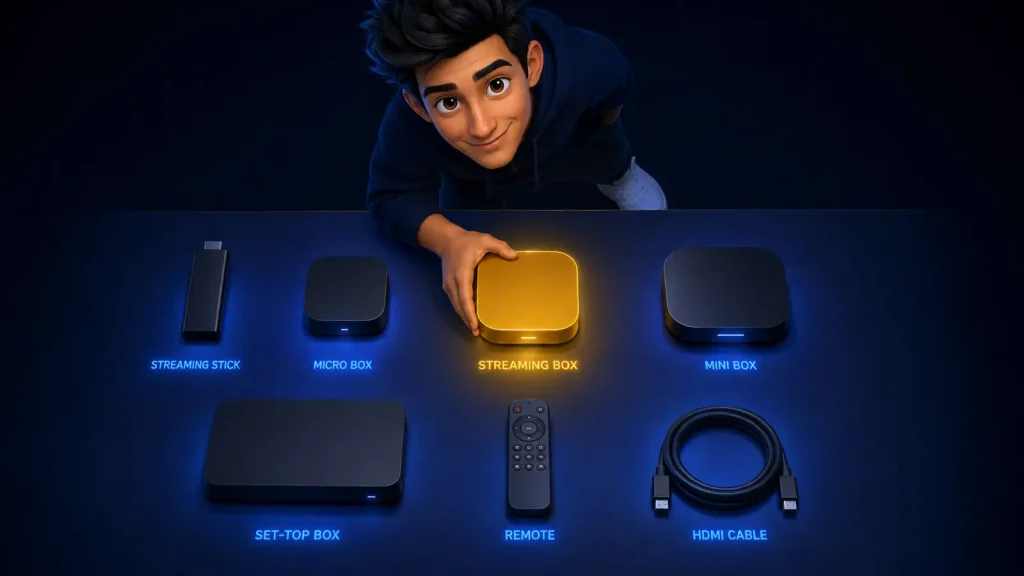
The 7 Best IPTV Boxes in 2026 — Compared
| Device | Typical price | Ethernet | Max quality | Best for |
|---|---|---|---|---|
| Fire TV Stick 4K Max | $50 – $70 | Adapter needed | 4K HDR | Best all-round IPTV box |
| Android TV box (mid-range) | $60 – $120 | Built in | 4K HDR | Best value for live sport |
| Nvidia Shield TV Pro | $200 – $230 | Built in | 4K HDR + AI upscaling | Best premium box |
| MAG box | $90 – $140 | Built in | 4K on newer models | Plug-and-play, no app store |
| Samsung / LG Smart TV (2021+) | Already owned | Built in | 4K | No extra box at all |
| Apple TV 4K | $130 – $150 | On the higher model | 4K HDR | iPhone households |
| No-name $25 box | $20 – $35 | Sometimes | Claims 4K, delivers less | Nobody — see below |
Swipe the table sideways to see every column.
Fire TV Stick 4K Max — the best streaming device for IPTV
It is the answer for most people for boring, practical reasons: it costs about the price of two months of an IPTV subscription, it decodes 4K H.265 in hardware, and every IPTV player exists for it. Setup is the fastest of any device on this list, which is why our whole installation guide is built around it.
Its one real weakness is the missing Ethernet port. A $15 USB Ethernet adapter solves it completely, and if you watch live sport you should buy one on day one rather than after the first frustrating match.
Android TV boxes — the value pick
A mid-range Android TV box gives you the two things the Firestick withholds: a real Ethernet port and more RAM, usually for a similar price. TiViMate runs beautifully on them, sideloading is unrestricted, and most models have a microSD slot so the guide cache never fills the device.
The catch is quality control. “Android TV box” covers a $30 device and a $120 device that look identical in photographs. Buy one with a named chipset and a stated RAM figure. If the listing will not tell you the processor, that is the answer.
Nvidia Shield TV Pro — the best box, full stop
Three gigabytes of RAM, gigabit Ethernet, the best video processing in a consumer streamer, and years of software updates behind it. Channels open instantly, the EPG never lags, and its upscaling makes lower-bitrate channels look noticeably better than they do elsewhere.
It costs three to four times what a Firestick costs. That is worth it if you watch several hours daily on a large TV, and hard to justify if you watch the news and a match at the weekend.
MAG boxes — plug in and go
A MAG is a dedicated IPTV set-top box. There is no app store and no sideloading: you enter a portal URL, your provider’s line-up loads, and that is the whole experience. For a household that wants television to behave like television — and especially for less technical viewers — that simplicity is genuinely the feature.
The trade-off is that you are locked into that one interface, and you cannot install a better player when one appears. We explain how portal logins differ from app logins in our IPTV player guide.
Your Smart TV — the box you already own
Any Samsung (Tizen) or LG (webOS) TV from about 2021 onward runs IPTV Smarters Pro or Smart STB directly. No extra hardware, no extra remote, no extra HDMI port. On paper it is the tidiest option there is.
In practice, TV app stores are slower and more restrictive than a dedicated streamer, older sets run out of memory on huge channel lists, and regional stores sometimes lack the app entirely. Try your TV first — it costs nothing — and buy a stick only if it disappoints. Our sister site’s Smart Player installation walkthrough covers the Tizen and webOS quirks in more depth.
Apple TV 4K — excellent hardware, narrower app choice
The hardware is superb and the interface is the most polished in the category. The limitation is App Store policy: fewer IPTV players are available than on Android, and sideloading is not an option. If your household is already Apple-centric it is a fine choice; if you want TiViMate specifically, it is not.
The $25 box — the trap

Cheap unbranded boxes are the single most common cause of “my IPTV is buffering” tickets. They ship with 1 GB of RAM and no hardware H.265 decoder, so they decode 4K in software, overheat within twenty minutes, and drop frames exactly when the action starts. Many also run outdated, unpatched firmware.
Saving $30 on the box to spoil an $80 annual subscription is the worst trade in this hobby. It is the hardware equivalent of the “free IPTV” problem we cover in free vs paid IPTV.
Which Box Is Best for IPTV — By Household
| If you… | Buy | Why |
|---|---|---|
| Just want it to work, cheaply | Fire TV Stick 4K Max | Best price-to-performance, every app supported |
| Watch live sport most nights | Android TV box with Ethernet | Wired stability is what sport needs |
| Want the best picture money buys | Nvidia Shield TV Pro | Superior decoding and upscaling |
| Are setting it up for a parent | MAG box | No apps to learn, no updates to manage |
| Do not want another remote | Your 2021+ Smart TV | Costs nothing to try |
| Live inside the Apple ecosystem | Apple TV 4K | Best interface, fewer player options |
| Watch on the move | Phone or tablet | Same subscription, no hardware at all |
Swipe the table sideways to see every column.
Ethernet vs Wi-Fi: The Upgrade That Beats All Others
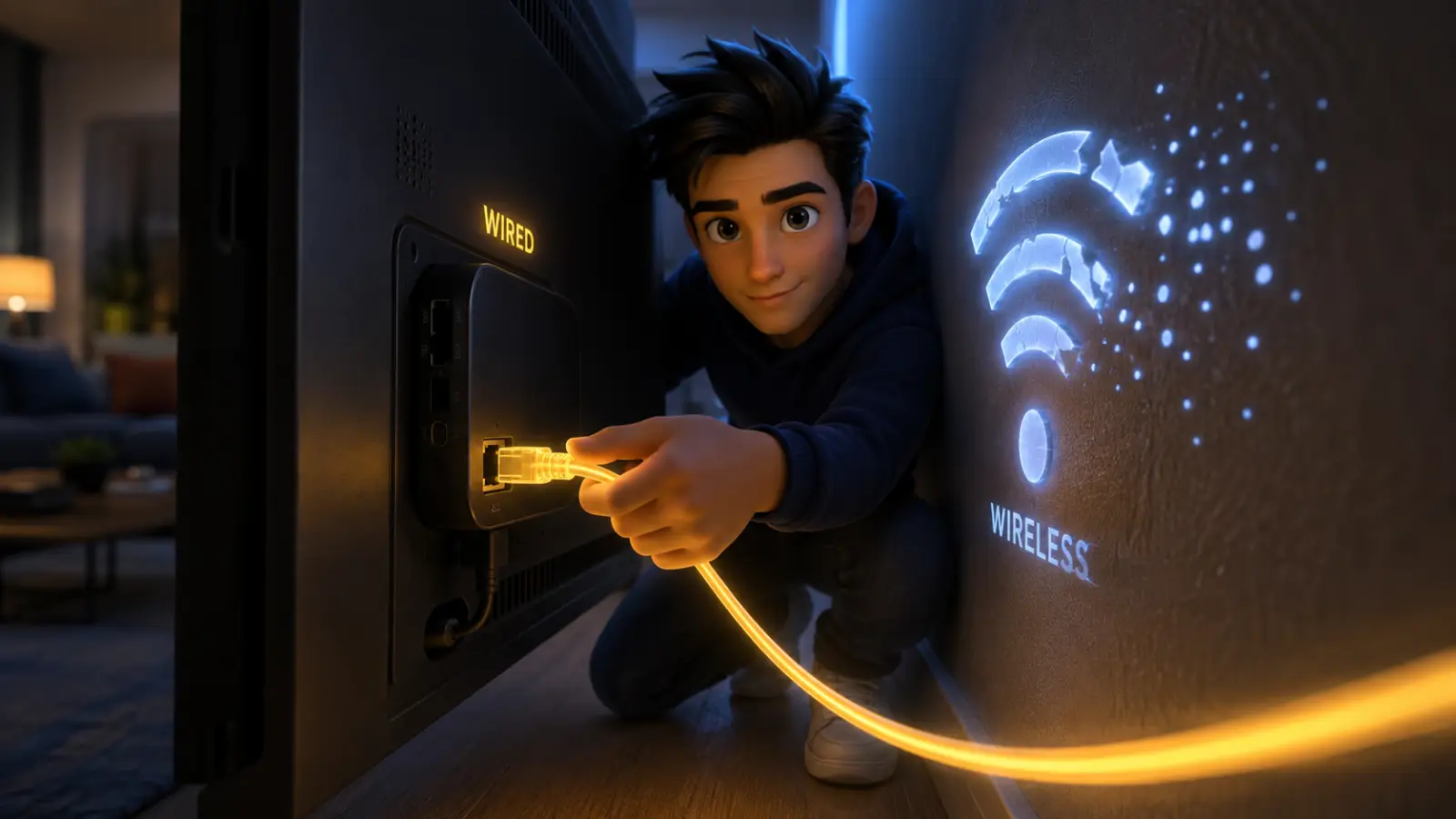
A $15 Ethernet adapter improves IPTV more than a $200 box upgrade does. Almost every buffering complaint traces back to a wireless link that dips for a second or two — long enough to empty the player’s buffer, invisible on a speed test.
| Connection | Typical stability | Good for |
|---|---|---|
| Wired Ethernet | Rock solid | 4K, live sport, big events |
| 5 GHz Wi-Fi, same room as router | Very good | 4K in most homes |
| 5 GHz Wi-Fi, through walls | Variable | HD, with occasional dips |
| 2.4 GHz Wi-Fi | Weakest | SD/HD only, last resort |
Swipe the table sideways to see every column.
Speed matters less than steadiness. You need about 15 Mbps for HD and 25 Mbps for 4K per stream — a modest number that most connections clear easily. What kills the picture is the wobble, not the ceiling, which is why the wire wins.
Can IPTV Be Used on Multiple Devices?
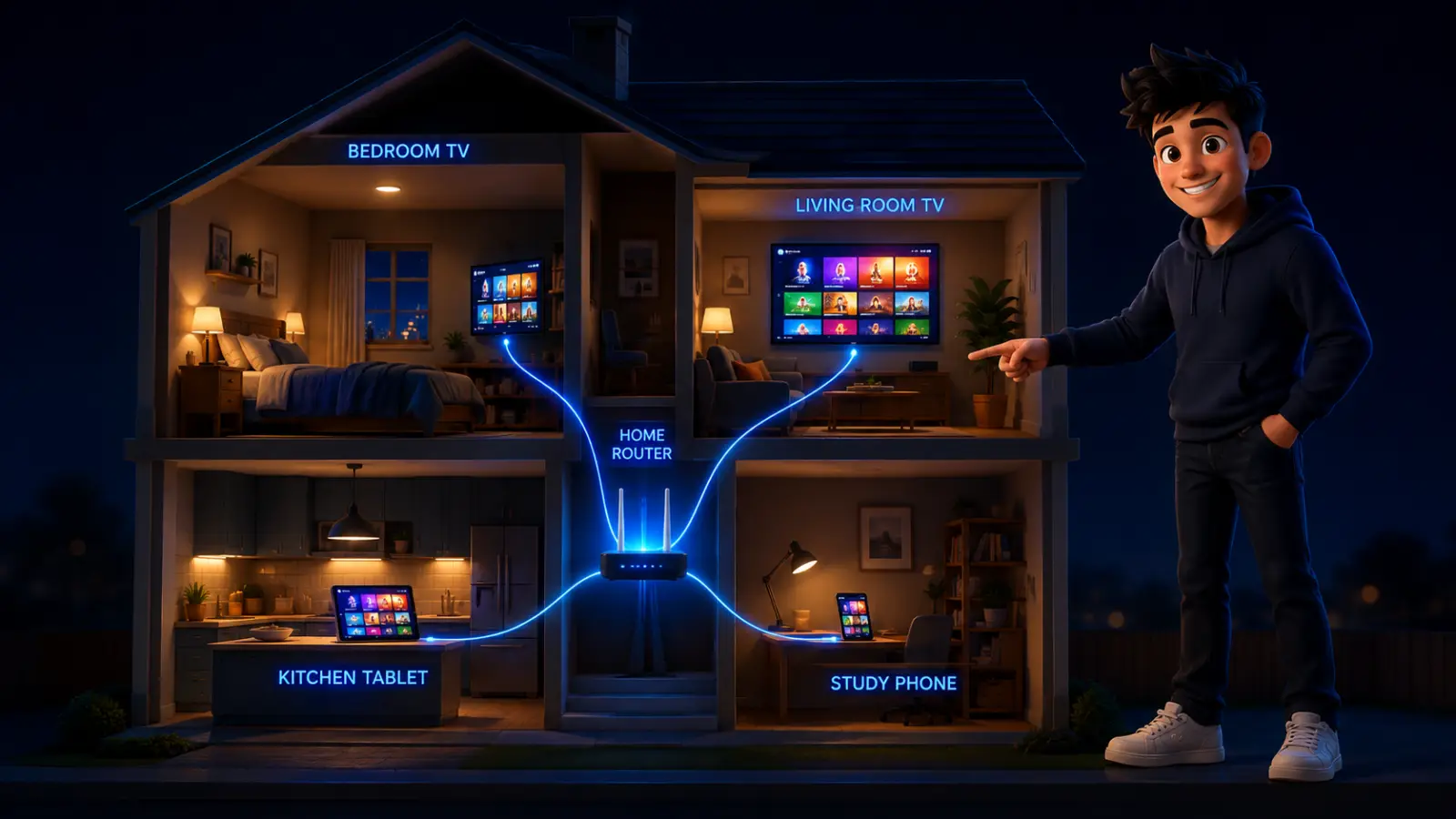
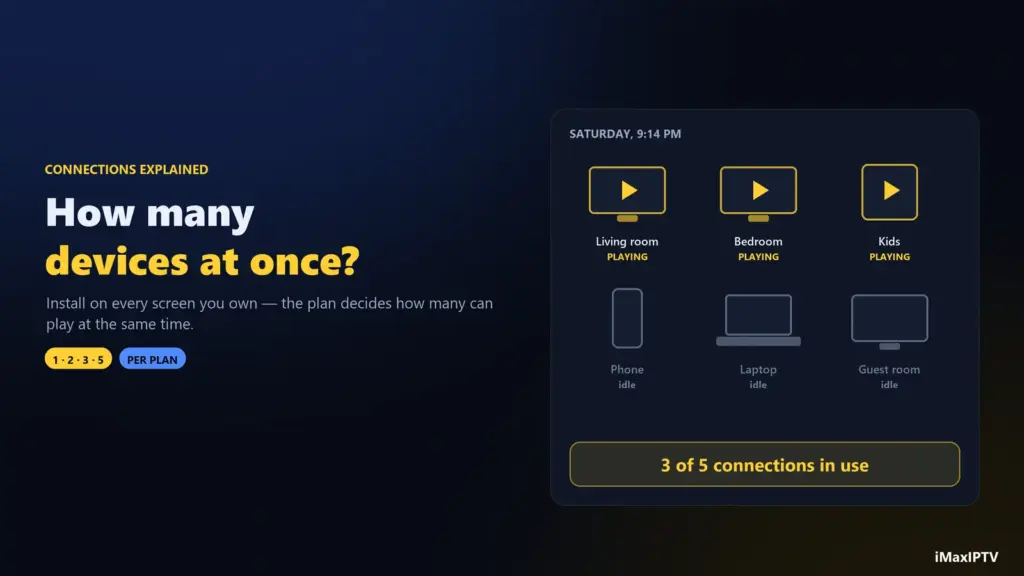
Yes — your subscription works on every device you own, but the number of screens streaming at the same time is limited by your plan’s connection count. Installing the app on a Firestick, a phone, a tablet and a laptop is fine; whether all four can play at once depends on how many simultaneous connections you bought.
- One connection suits a single-TV household. A second device logging in usually kicks the first one off.
- Two connections is the sweet spot for a family — the living room plus a bedroom or a phone.
- Same login everywhere. You do not need a separate account per device; the credentials in your welcome message work on all of them.
Check the connection count before you buy — it is one of the nine points on our provider checklist, and it is the detail people most often discover too late. Every iMaxIPTV plan states it clearly, and our guide to IPTV connections shows how many your household really needs.
Setting Up Whichever Box You Choose
The process is the same on every device on this list, and takes under ten minutes:
- Connect the box — Ethernet if the port exists, 5 GHz Wi-Fi if not.
- Install a player — TiViMate on Android and Fire OS, IPTV Smarters Pro on Smart TVs and Apple TV. Our player comparison covers which to pick.
- Log in with Xtream Codes — username, password and server URL from your welcome message. MAG owners enter a portal URL instead.
- Let the list sync — the first load of 50,000 channels and the guide takes a minute or two.
- Favourite your channels so you are not scrolling the whole channel list every night.
Device-by-device walkthroughs live on our installation page, and support will do the whole setup with you over WhatsApp if you would rather watch it done once.
Four Settings to Change on Any New Box
- Match the output to your TV — force 1080p60 or 4K60 instead of “auto”; auto-switching mid-stream causes black flashes.
- Turn off HDR upscaling on SD channels — it washes out older content and wastes decoding headroom.
- Raise the player buffer a step. Channel changes get slightly slower and the picture gets much steadier.
- Clear the cache monthly. A bloated guide cache is behind more stutter than most people would believe. It takes thirty seconds and prevents most match-day stutter.
The Verdict
Buy the Fire TV Stick 4K Max and a $15 Ethernet adapter. That combination costs under $80, handles 4K comfortably, runs every IPTV app worth having, and is what we would set up in our own living rooms. Upgrade to an Android TV box if you want the Ethernet port built in, or to a Shield if you watch enough hours to notice the difference. And whatever you buy, spend more on the box than you were planning to spend on the cheapest one — that is the decision people regret, every time.
Frequently Asked Questions
Which is the best streaming device for TV for IPTV?
The Fire TV Stick 4K Max for most households — cheap, fast enough for 4K, and compatible with every IPTV player. Add a USB Ethernet adapter if you watch live sport.
Which box is best for IPTV?
An Android TV box with a built-in Ethernet port offers the best balance of price and stability. The Nvidia Shield TV Pro is the best overall if budget is not a constraint, and a MAG box is the simplest for a non-technical household.
Do I need an IPTV box at all?
No. A Samsung or LG Smart TV from 2021 or later runs IPTV apps directly, and phones, tablets and computers all work. A dedicated box mainly buys you speed and a wired connection.
Is a Firestick good for IPTV?
Yes — it is the most popular IPTV device in the world. Its only weakness is the lack of an Ethernet port, which a cheap USB adapter fixes.
Can IPTV be used on multiple devices?
Yes. You can install the app on as many devices as you like using the same login. How many can stream simultaneously depends on the connection count included in your plan.
Are cheap IPTV boxes worth it?
No. Sub-$35 unbranded boxes typically have 1 GB of RAM and no hardware H.265 decoder, so they overheat and drop frames on 4K streams. They are the most common cause of buffering complaints — see our IPTV buffering fixes.
Do I need Ethernet for IPTV?
Not strictly, but it is the single most effective upgrade available. Wired connections remove the brief wireless dips that empty the player’s buffer and cause stutter.
What internet speed does an IPTV box need?
About 15 Mbps per HD stream and 25 Mbps per 4K stream. Stability matters more than the headline number.
Does the box change the picture quality?
It cannot improve the source, but a weak box degrades it by dropping frames, and a strong box with good upscaling makes lower-bitrate channels look better on a large screen.
Ready to try iMaxIPTV?
50,000+ channels in 4K. Instant setup, money-back guarantee.