
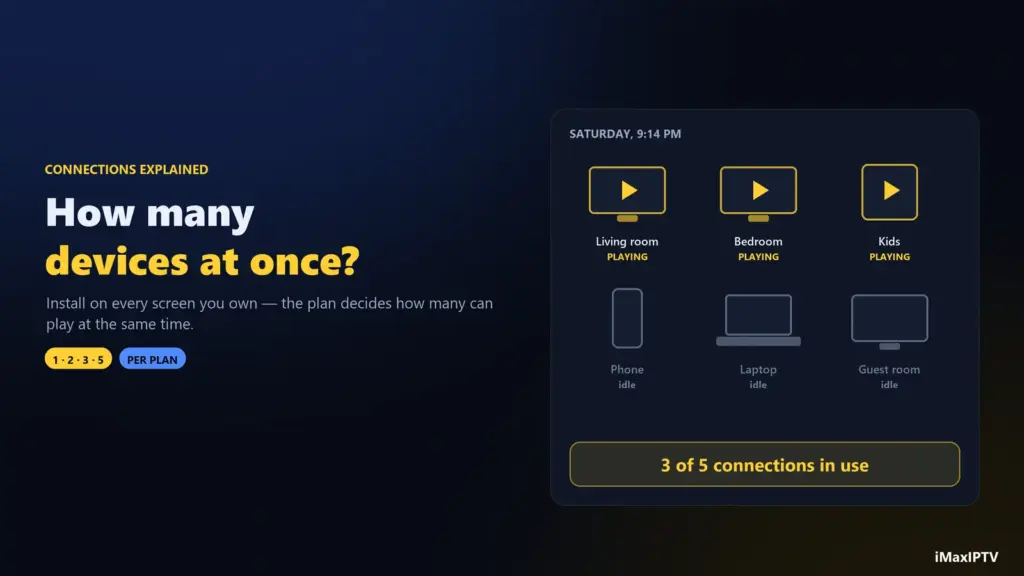
Short answer: an IPTV connection is one stream playing at one moment. You can install your subscription on as many devices as you like, but only as many can play at the same time as your plan has connections. Open a second TV on a one-connection plan and one of them stops, or shows “max connections reached.” Most single viewers need 1, couples and small families 2–3, and busy households with several TVs 4–5. At iMaxIPTV that maps to 1 device on the 1-, 3- and 6-month plans, 2 on 1 Year, 3 on 2 Years and 5 on Lifetime.
Connections are the detail people most often discover after paying. Everything works perfectly on the living-room TV, then someone switches on the bedroom Firestick and the football freezes. It isn’t a fault — it’s arithmetic. Here’s how to get it right the first time.
Installed vs Streaming: The One Distinction That Matters
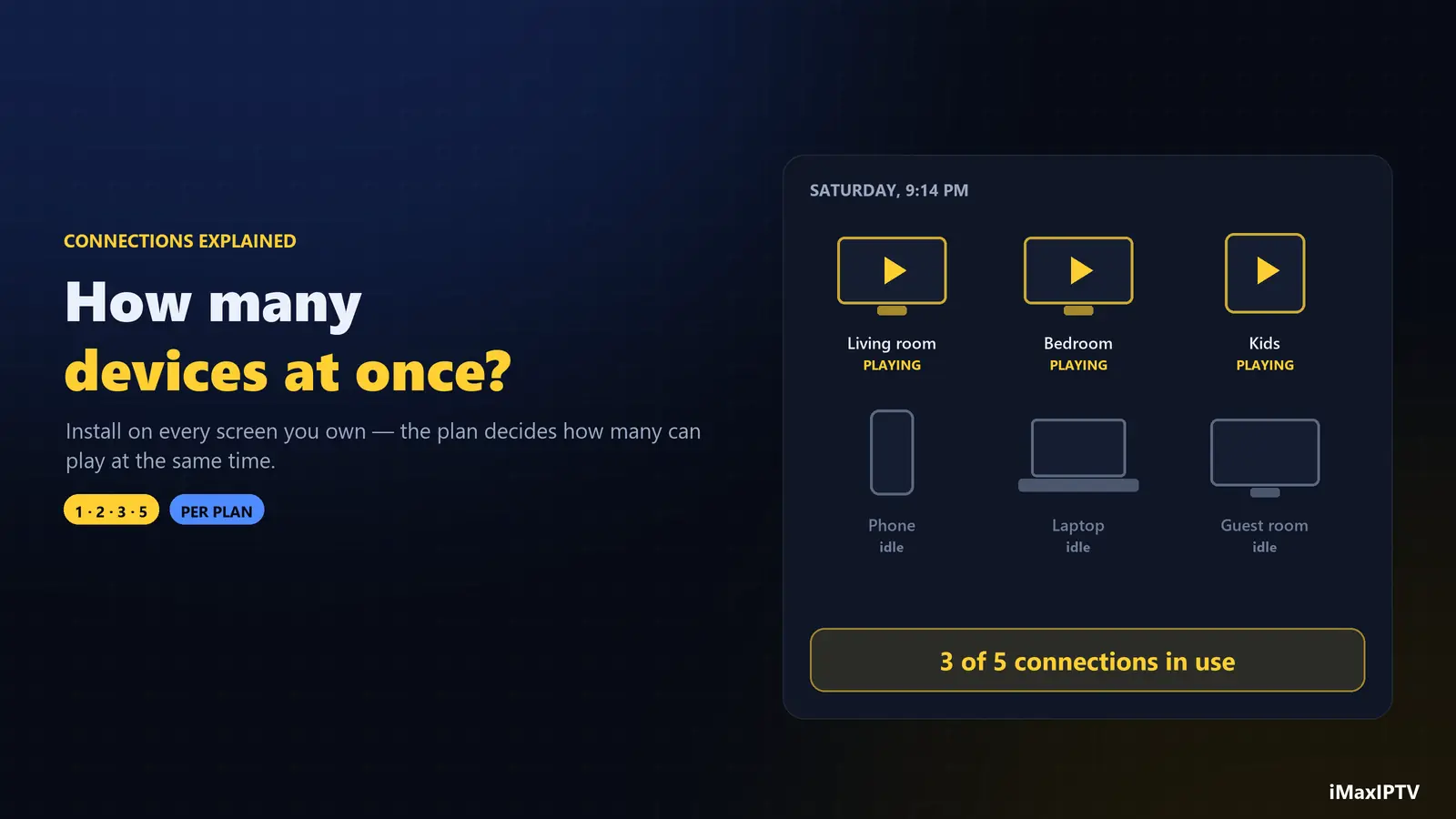
Your login is like a key that fits every lock in the house. You can put it into a Firestick, a Samsung TV, your phone, your partner’s tablet and a laptop — all at once, no problem. What the provider counts is how many of those are pulling a live stream or a movie at the same moment.
- Five devices installed, one watching → 1 connection in use.
- TV watching football while a phone plays a movie → 2 connections.
- Paused screens, menus and the TV guide → usually 0; only playing video counts.
So the question isn’t “how many devices do I own?” but “how many screens are ever playing at the same time on a busy evening?”
What Happens When You Go Over
When one more device starts playing than your plan allows, the server has to refuse something. Depending on the provider and the app, you’ll see one of these:
- The new device shows “max connections reached” or simply won’t start the channel.
- The older stream is dropped and the new one takes over — the classic “someone else turned on a TV and mine stopped.”
- Both streams flicker as they fight for the slot, which looks exactly like buffering.
That last one is worth knowing: a lot of “my IPTV buffers every evening” complaints are really two screens sharing one connection. Before you work through our buffering fixes, check that nobody else in the house is watching.
How Many Connections Does Your Household Need?
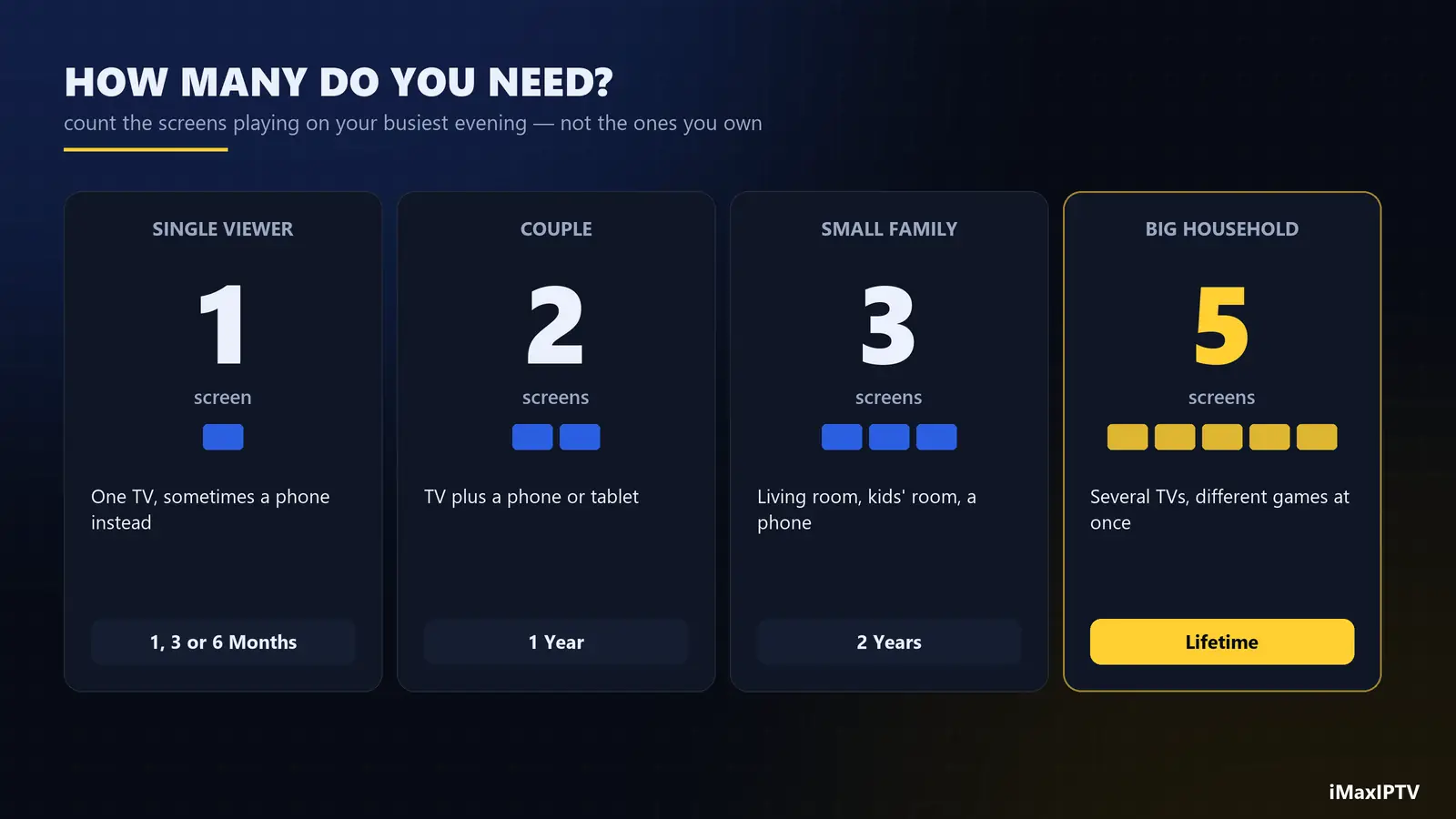
| Household | Typical busy evening | Connections | Matching iMaxIPTV plan |
|---|---|---|---|
| Single viewer | One TV, sometimes a phone instead | 1 | 1, 3 or 6 Months |
| Couple | TV plus a phone or tablet in bed | 2 | 1 Year |
| Small family | Living room, kids’ room, one phone | 3 | 2 Years |
| Large or sports-mad household | Several TVs, games on different channels | 4–5 | Lifetime |
Swipe the table sideways to see every column.
A quick way to count: think of the busiest night of the week — usually a Sunday in NFL season or a big fight night — and count the screens playing at once, not the screens you own. Then add one for the visitor or the teenager you forgot.
iMaxIPTV Plans by Connections
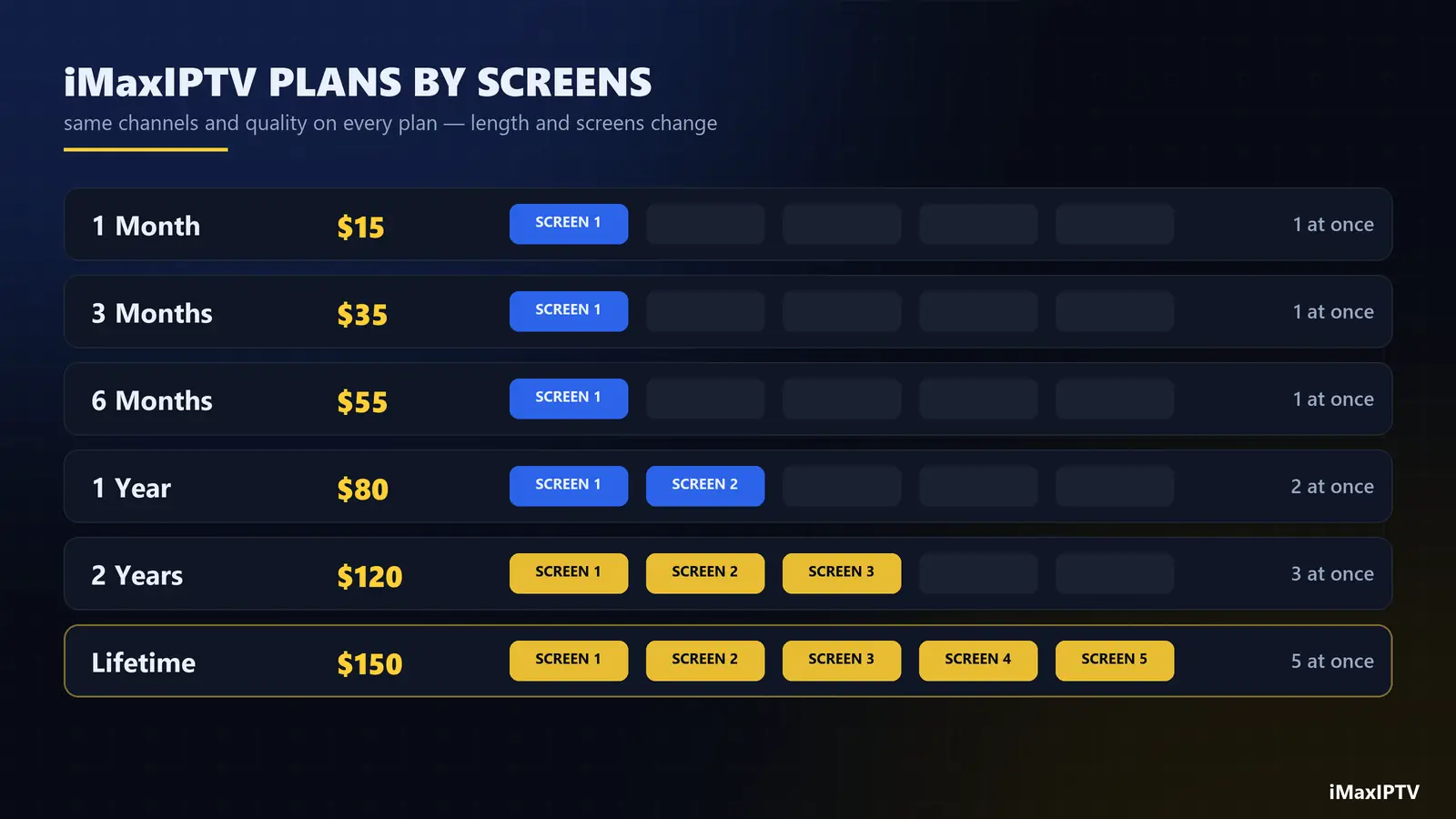
| Plan | Price | Devices at the same time |
|---|---|---|
| 1 Month | $15 | 1 |
| 3 Months | $35 | 1 |
| 6 Months | $55 | 1 |
| 1 Year | $80 | 2 |
| 2 Years — limited promo | $120 | 3 |
| Lifetime — limited-week promo | $150 one-time | 5 |
Swipe the table sideways to see every column.
Every plan has the same channels, the same 4K quality and the same support — the only differences are length and how many screens can play at once. That’s why, for families, the longer plans are the real value: the yearly plan doubles the screens, and the lifetime plan gives five for a single payment. If you’re weighing that one, read our honest take on whether a lifetime IPTV subscription is worth it. Live prices are always on the pricing page.
Can You Share an IPTV Subscription With Family in Another House?
Technically a connection doesn’t care where the device is — a phone on a trip uses the same login as the TV at home. Sharing a multi-connection plan with your own household, including a family member who’s away, is how most people use it. Handing your login to friends in other homes is a different matter: it eats your connections at random times, and many providers flag accounts that stream from many different places at once. If another household wants IPTV, a separate one-month plan is cheaper than the arguments.
And never post your login or M3U link online — it contains your password (our M3U vs Xtream Codes guide explains why), and strangers will happily use up every connection you paid for.
Bandwidth: Can Your Internet Handle Several Screens?
More connections means more data through the same router. Rough rule per stream:
- HD: 8–15 Mbps
- 4K: 25–35 Mbps
So three 4K TVs at once want around 100 Mbps of steady evening bandwidth; five screens mixing HD and 4K want 100–150 Mbps. Wire the main TV with Ethernet if you can — it frees Wi-Fi for the others. Our IPTV box guide covers which devices have an Ethernet port.
Setting Up Several Devices on One Account
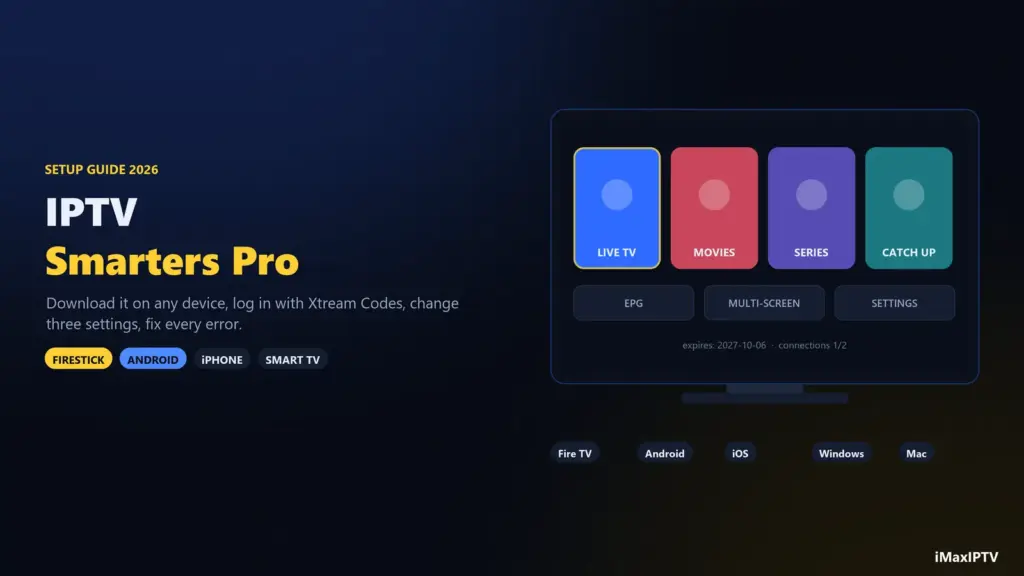
- Install the same player on each device — IPTV Smarters Pro works almost everywhere.
- Log in on each one with the same Xtream Codes details (URL, username, password).
- Give each profile a clear name in the app — “Living room”, “Kids”, “Phone” — so you know which is which.
- Set a parental PIN on the kids’ device.
- Close the player properly when you finish; an app left playing in the background still holds a connection.
The Bottom Line
Connections are the number of screens playing at once, not the number of devices you own. Count your busiest evening, pick a plan that covers it with one to spare, and most “it keeps stopping” problems never happen. One screen? A short plan is fine. Two? The 1-year plan. A family? The 2-year plan with 3 screens — or the lifetime plan with 5 while the promo runs.
Frequently Asked Questions
What is a connection in IPTV?
A connection is one stream playing at one moment. The number of connections on your plan is how many devices can watch live TV or movies at the same time.
Can I use one IPTV subscription on two TVs?
Yes, if your plan has at least two connections. You can install it on both TVs either way, but on a one-connection plan only one can play at a time. At iMaxIPTV the 1-Year plan includes 2 devices at once.
Why does my IPTV stop when someone else turns on a TV?
Because both screens are sharing one connection. When the second device starts playing, the server drops one of the streams. Upgrade to a plan with more connections or watch on one screen at a time.
What does “max connections reached” mean?
It means every connection on your plan is already in use. Close the player on another device, wait a minute for the server to release the slot, and try again.
How many devices can I install IPTV on?
As many as you like. The limit is only on how many play at the same time: 1 on the iMaxIPTV 1-, 3- and 6-month plans, 2 on 1 Year, 3 on 2 Years and 5 on Lifetime.
Does the TV guide or a paused channel use a connection?
Generally no; only playing video counts. But an app left playing in the background does hold a connection, so close it properly when you stop watching.
Ready to try iMaxIPTV?
50,000+ channels in 4K. Instant setup, money-back guarantee.
Leave a Reply