
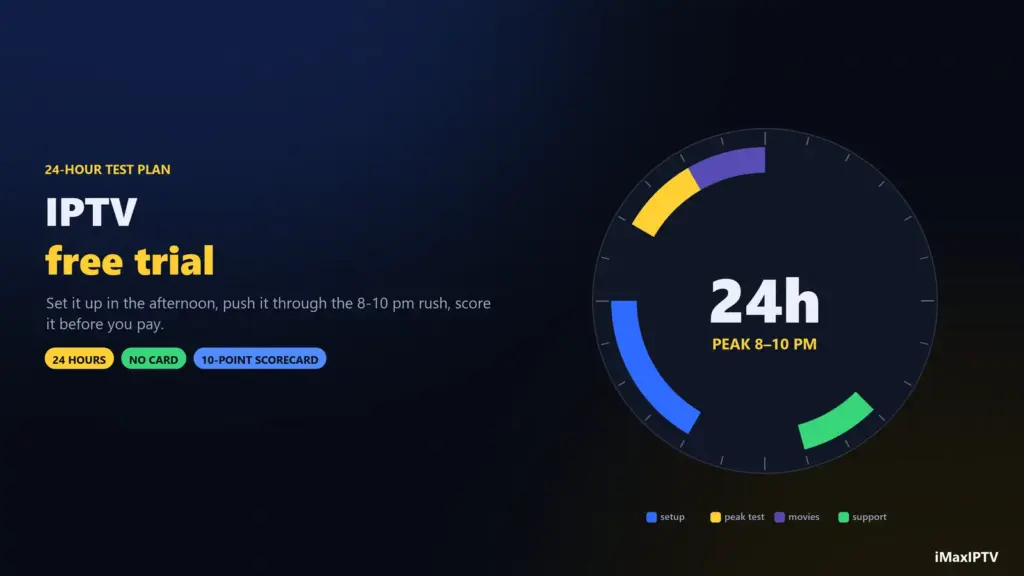
Short answer: a free IPTV trial is only useful if you test the right things at the right time. Request it in the afternoon, set it up on the device you’ll really use, then put it through the evening rush: a live sports channel between 8 and 10 pm, a 4K channel, your must-have local channels, the TV guide, a movie, and one question to support. If it survives that without freezing, it’s worth paying for. iMaxIPTV’s trial is free for 24 hours, needs no card, and runs on the same servers as the paid plans — request it on WhatsApp.
Most people waste their trial. They set it up at lunchtime, flick through a few channels that all play perfectly, and decide it’s great — then discover on Saturday night that the server can’t cope with everybody watching the same game. The trial didn’t lie; it just wasn’t asked the right question. Here’s how to ask it.
Why a Trial Beats Every Review
Reviews tell you how a service worked for someone else, on their device, on their internet, months ago. A trial tells you how it works for you, tonight, on the TV in your living room. It’s the only test that covers the three things that actually decide your experience: your connection, your device, and the provider’s servers under real load. That’s why our free vs paid IPTV guide calls the provider trial the most useful free IPTV there is.
Before You Start: Get Set Up Properly
- Use your real device. Test on the Firestick or TV you’ll watch on — not your phone. Phones hide problems big screens reveal.
- Use your real network. Same room, same Wi-Fi or Ethernet you’ll use every day.
- Use a proper player. Install IPTV Smarters Pro or TiViMate and log in with the Xtream Codes details; it’s the fairest test of the service.
- Time it right. Ask for the trial in the afternoon so your 24 hours include a full evening and the next morning.
New to all of this? Our how to get IPTV guide covers devices and apps from scratch.
The 24-Hour Test Plan, Hour by Hour
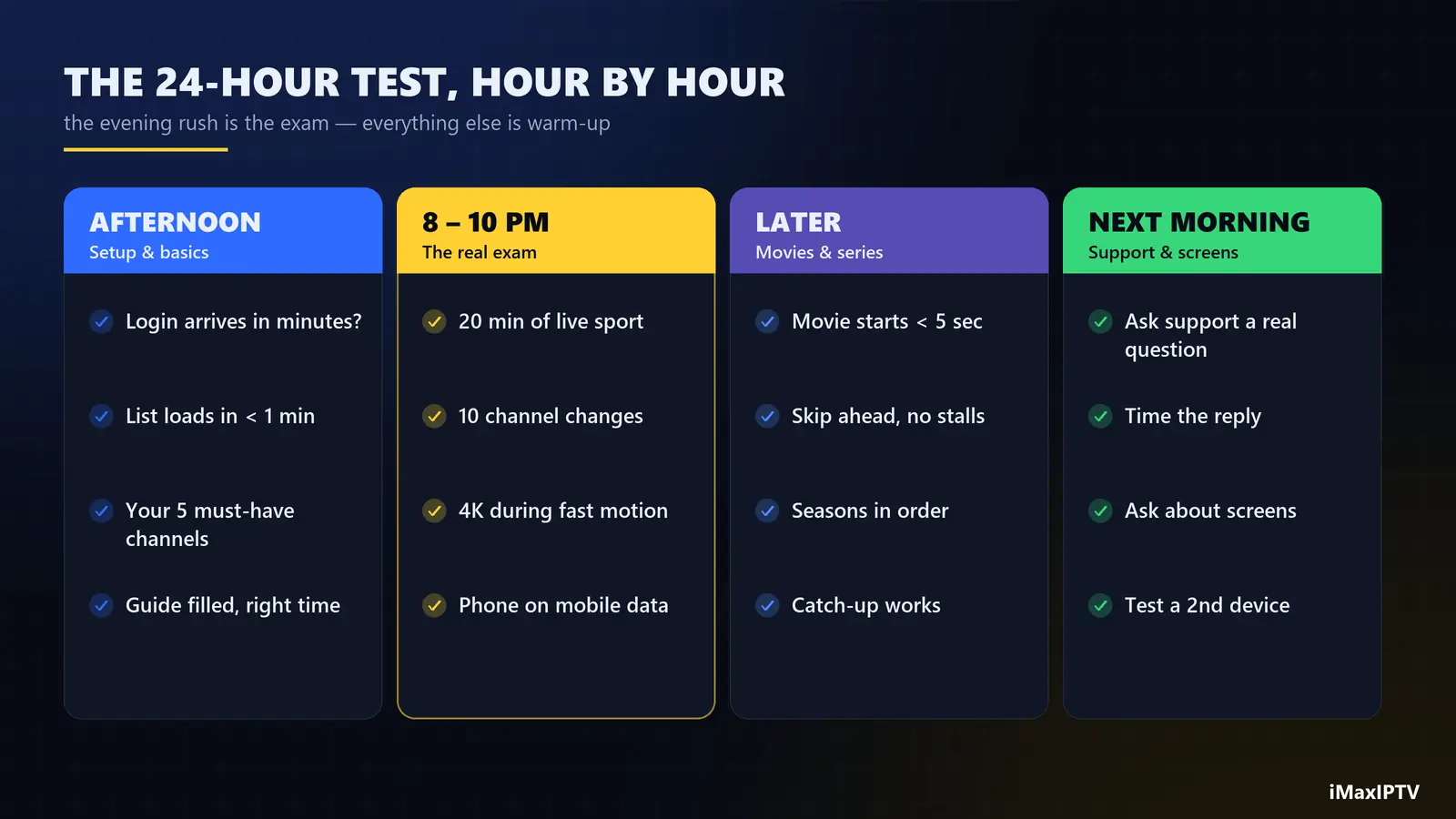
Afternoon (first hour): setup and the basics
- How long did the login take to arrive? Minutes is good; “tomorrow” is a warning.
- Does the channel list load in under a minute? Are categories tidy (USA, Canada, UK, Sports, Kids…)?
- Find your five must-have channels — local news, your team’s sports network, the kids’ channel, your language. Write down any that are missing.
- Open the TV guide. Is it filled in, and is it showing the right time for your time zone?
Evening, 8–10 pm: the real exam
This is the hour that matters. Everyone is home, everyone is streaming, and an oversold server shows its limits.
- Watch a live sports channel for 20 minutes straight. Count the freezes. Zero or one short one is good; one every few minutes is a fail.
- Switch channels ten times. Each change should take a couple of seconds, not ten.
- Open a 4K channel and watch fast motion. Is it sharp, or soft and blocky? Our 4K IPTV guide shows how to spot fake 4K.
- If you can, compare with a phone on mobile data. If both stutter, it’s the server; if only the TV does, it’s your network.
Later that night: movies, series and catch-up
- Start a recent movie. Does it begin in under five seconds? Can you skip ahead without long stalls?
- Check a series: seasons in order, episodes labelled, subtitles where you need them.
- Try catch-up on a channel that supports it — watching something from earlier in the day.
Next morning: support and the second screen
- Message support with a real question — how to set up a second device, or a missing channel. Note how fast and how clearly they answer.
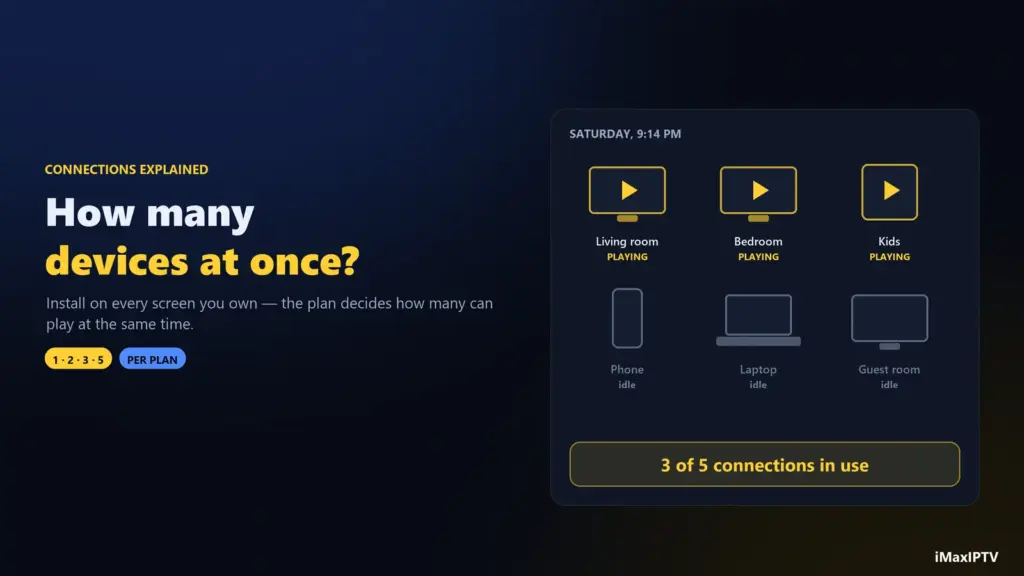
- If you’ll want two or more screens, ask what the plans allow and test a second device. Our connections guide explains how it works.
The 10-Point Trial Scorecard
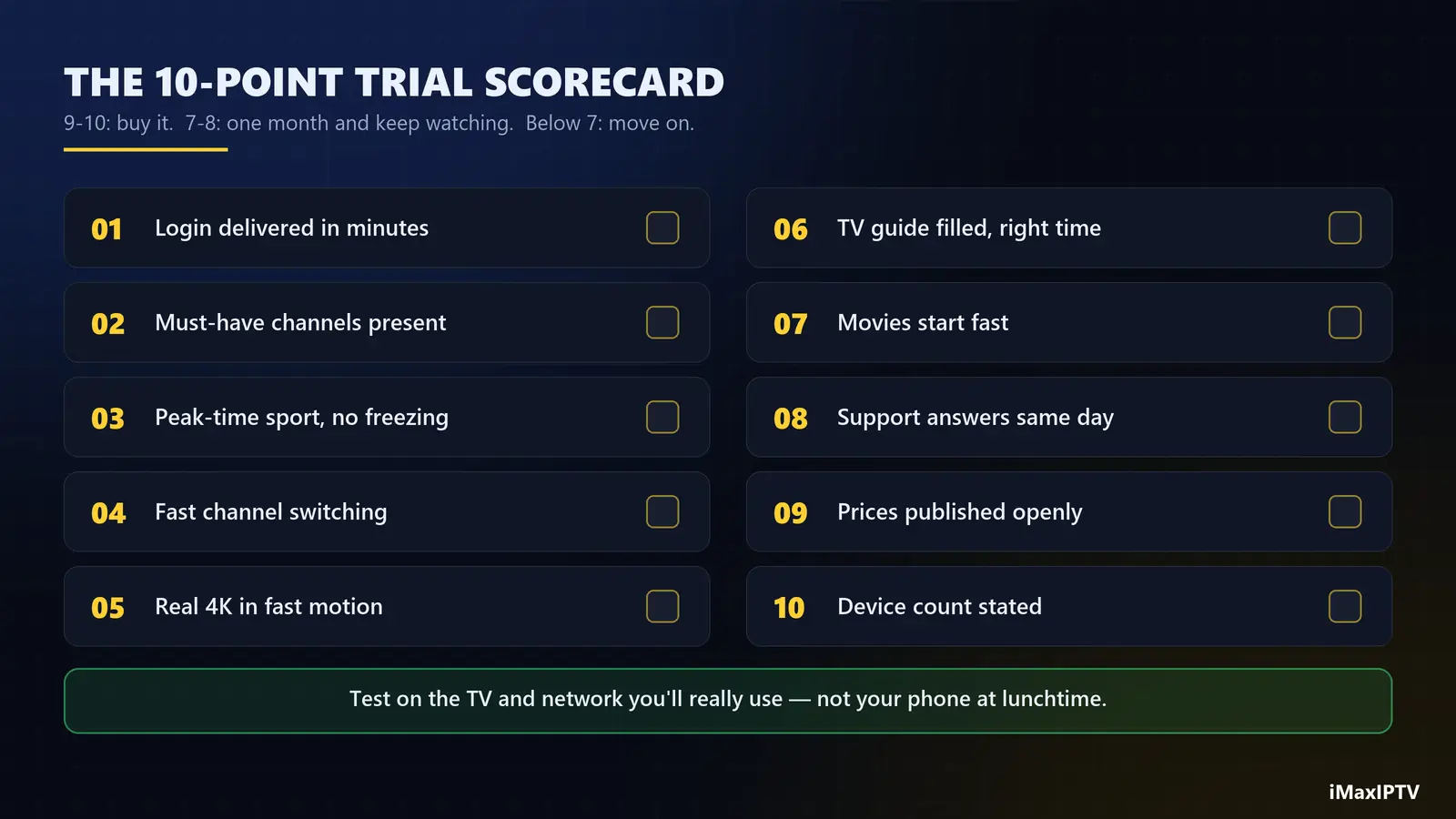
| # | Check | Pass if… |
|---|---|---|
| 1 | Login delivery | Arrived within minutes, with clear instructions |
| 2 | Must-have channels | All five present and playing |
| 3 | Peak-time live sport | 20 minutes, no more than one brief freeze |
| 4 | Channel switching | A couple of seconds per change |
| 5 | 4K quality | Sharp during fast motion |
| 6 | TV guide | Filled in, correct times |
| 7 | Movies & series | Start fast, organised, recent titles |
| 8 | Support | Real answer from a person, same day |
| 9 | Prices | Published openly, no surprise fees |
| 10 | Device count | Clearly stated for each plan |
Swipe the table sideways to see every column.
Score 9–10 and it’s worth paying for. 7–8: buy one month and keep watching. Below 7: move on — there’s no point paying to find out more slowly.
Red Flags During a Trial
- The trial is a different server. Some providers give trials on a quiet “demo” line. Ask: is the trial on the same servers as paid plans?
- Card details required “just to verify”. A free trial shouldn’t need payment details.
- Pressure to buy a year before the trial ends. Good services are happy to let you test.
- Support goes quiet once you’ve said you’re only testing. That’s how they’ll treat you as a customer, too.
- Freezing on every live channel, every evening. No setting on your side fixes an overloaded server — though do rule out your own network with our buffering checklist first.
After the Trial: What to Buy
If the service passed, don’t jump straight to the longest plan out of excitement — but don’t overpay month by month forever either. A sensible path:
- Passed comfortably, one screen: 3 or 6 months.
- Passed, two screens in the house: the 1-year plan (2 devices at once).
- Passed with flying colours, family or long-term viewer: the 2-year plan (3 devices) or the lifetime plan (5 devices) — see whether a lifetime subscription is worth it for you.
How to Get the iMaxIPTV Free Trial
Message us on WhatsApp from the pricing page and ask for the free trial. You’ll get an Xtream Codes login and an M3U link, usually within 5–15 minutes. The trial lasts 24 hours, needs no credit card, and runs on the same servers as every paid plan — with the full line-up of 50,000+ live channels and 150,000+ movies and series. Test it with the checklist above. If it doesn’t earn a 9 out of 10 from you, you’ve lost nothing.
The Bottom Line
An IPTV free trial is worth exactly as much as the test you run on it. Use your real TV and network, push it through a full evening, check your must-have channels and the guide, and send support a real question. Twenty-four hours, done properly, tells you more than any review — and saves you from paying for a year of buffering.
Frequently Asked Questions
Is there a free IPTV trial?
Yes. Many providers offer one; iMaxIPTV offers a free 24-hour trial with no credit card, on the same servers as the paid plans. Request it on WhatsApp.
How long is an IPTV free trial?
Usually between 12 hours and a few days; 24 hours is the most common. Ask for it in the afternoon so your trial includes a full evening peak period.
What should I test during an IPTV trial?
Live sports between 8 and 10 pm, a 4K channel, your must-have channels, the TV guide, a movie and a series, channel-switching speed, and how quickly support answers a real question.
Do I need a credit card for the iMaxIPTV free trial?
No. The trial is free and needs no payment details. You only pay if you decide to order a plan afterwards.
Why does the trial work in the afternoon but buffer at night?
Evening is peak time, when the most people stream at once. If a service only buffers at night, either your home network is congested or the provider’s servers are overloaded — which is exactly what a trial should reveal before you pay.
Can I test the trial on more than one device?
You can install it on several devices to check compatibility, but trials are normally limited to one stream at a time. Ask support if you want to test a second screen.
Ready to try iMaxIPTV?
50,000+ channels in 4K. Instant setup, money-back guarantee.


Leave a Reply