Short answer: there is no single best IPTV player — there is a best player for your device. On a Firestick or Android box, TiViMate is the fastest and best-organised player. On a Samsung or LG Smart TV, IPTV Smarters Pro (or its sibling XCIPTV) is the practical pick because it is one of the few that installs cleanly. On a computer, VLC plays anything but gives you no channel guide. Everything else in this guide is the detail behind those three sentences.
A player is just the app that reads your subscription and paints it on screen. Your provider supplies the streams; the player decides how quickly channels open, whether the guide is usable, whether subtitles work, and whether the whole thing feels like television or like homework. Pick the wrong one and a perfectly good subscription feels broken — which is why “my IPTV is buffering” is so often an app problem, not a server problem — our buffering guide works through the rest.
What Is an IPTV Player, Exactly?
An IPTV player is a client app that takes your login, downloads the channel list and programme guide from your provider, and streams the channel you select. It stores nothing and broadcasts nothing — it is a window, not a source.
Three pieces have to line up before anything appears on screen:
- Your credentials — either an Xtream Codes username/password/URL trio, or a single M3U link (we compare the two in M3U vs Xtream Codes). If you do not have yours yet, our setup guide walks through getting them.
- The player app — the subject of this article.
- The device — a stick, a box, a Smart TV, a phone or a computer.
Change the player and you change the experience without touching the subscription at all. That is the single most useful thing to know here: if channels open slowly or the guide is empty, try a different app before you blame the service.
What Is a Portal URL in IPTV?
A portal URL is the address a player uses to reach your provider’s middleware — the server-side system that holds your channel list, your guide and your account status. It usually looks like http://yourprovider.com:8080/c/ and it is paired with your device’s MAC address rather than a username.
Portal-style logins belong to MAG boxes and Stalker-based apps. IPTV middleware is simply the software layer behind that portal: it authenticates your device, serves the channel line-up, applies your package and logs the session. Most modern apps skip portals entirely and use Xtream Codes instead, which is why you will rarely need to touch this unless you own a MAG box.
What Is the Best Stream Format for IPTV?

HLS (.m3u8) is the best all-round stream format for IPTV, because it adapts to your connection and recovers from a dropped packet instead of freezing. MPEG-TS (.ts) is the second format you will meet, and it is slightly lower-latency but far less forgiving on unstable Wi-Fi.
| Format | How it behaves | Best for |
|---|---|---|
| HLS (.m3u8) | Segments the stream and switches quality on the fly; survives brief drop-outs | Wi-Fi, mobile data, most households |
| MPEG-TS (.ts) | Continuous stream, lower delay, no adaptive quality | Wired Ethernet, live sport on a strong line |
| MPD (DASH) | Adaptive like HLS but less widely supported by IPTV apps | Niche; only if your provider offers it |
Swipe the table sideways to see every column.
Good players let you switch between HLS and TS per channel. If one football stream stutters and another is perfect, switching format on that channel fixes it more often than restarting the router. The HLS specification (RFC 8216) is the public standard behind this, and it is the same technology most mainstream streaming platforms use.
The 7 Best IPTV Players in 2026 — Compared
Every app below works with iMaxIPTV, because we support both Xtream Codes and M3U. The differences are in speed, layout and how much fiddling they demand.
| Player | Runs on | Guide (EPG) | Cost | Best for |
|---|---|---|---|---|
| TiViMate | Firestick, Android TV, Android boxes | Excellent, multi-day grid | Free tier / one-off premium | Power users who want a real TV guide |
| IPTV Smarters Pro | Firestick, Android, iOS, Samsung, LG, Windows | Good | Free | The safest default on almost any device |
| XCIPTV | Android TV, Firestick, Smart TVs | Good | Free | A cleaner-looking alternative to Smarters |
| Smart IPTV / Smart STB | Samsung, LG | Basic | Small one-off fee | Older Smart TVs that reject other apps |
| VLC | Windows, macOS, Linux, Android, iOS | None | Free | Testing a stream and diagnosing faults |
| Plex | Almost everything | Via Plex guide | Free core, paid Pass | Merging live TV into your own media library |
| MAG / Stalker portal | MAG hardware boxes | Built in | Included with the box | Households that already own a MAG |
Swipe the table sideways to see every column.
TiViMate — the best IPTV player overall
If you are asking what is the best player for IPTV and you own a Firestick or Android box, the answer is TiViMate. Channels open in about a second, the multi-day guide actually looks like a television guide, and you can build custom favourites, group channels and set recordings. The premium unlock is a small one-time payment, not a subscription.
Its one weakness: it does not exist for Samsung, LG or iOS. If that is your hardware, skip to the next entry.
What Is IPTV Smarters Pro?
IPTV Smarters Pro is a free IPTV client app that accepts an Xtream Codes login or an M3U playlist and organises your subscription into Live TV, Movies and Series sections. It is the most widely installed IPTV player in the world, mostly because it runs almost everywhere: Firestick, Android, iPhone, iPad, Windows, and — crucially — Samsung and LG Smart TVs.
It is not the fastest app on this list, and its guide is a step below TiViMate. What it offers instead is reach: one app, one login, every screen in the house. For most families that trade is worth making, and it is the app our installation guide defaults to.
Is IPTV Smarters Safe?
Yes — IPTV Smarters Pro is safe in itself. It is a media player with no content of its own: it cannot show you anything your provider does not send it. The safety question really belongs to the subscription behind it, not to the app.
Two practical cautions, though. First, download it from an official source or your device’s own store — repackaged copies posted on random forums are where the real risk lives. Second, an app that asks for far more permissions than a video player needs is a red flag on any platform. We cover how to judge a provider properly in Free IPTV vs Paid IPTV.
VLC — the diagnostic tool everyone forgets
VLC has no guide, no favourites and no interface worth the name, and it is still the app we recommend keeping installed. Paste an M3U link into VLC and you learn something no other app tells you: whether the stream itself is fine. If VLC plays a channel that your main app refuses to open, the problem is the app or the device — not the service. It is also the check to run before blaming your hardware — see the IPTV box comparison for when the device really is the problem.
How to Add IPTV to Plex

You add IPTV to Plex by pointing Plex Live TV at your M3U playlist URL and your XMLTV guide URL through the “Set up Plex Tuner” flow. Plex then treats your subscription as if it were a physical TV tuner and blends the channels into the same library as your own films and shows.
- Open Plex on a computer and go to Settings → Live TV & DVR → Set up Plex Tuner.
- Choose Have an XMLTV guide on a network drive? then enter your M3U URL where Plex asks for the tuner address.
- Paste your provider’s XMLTV / EPG URL when prompted for the guide.
- Map the channels Plex found to its guide entries, then save.
Two honest caveats. Live TV in Plex generally requires a Plex Pass, and Plex will choke if you feed it all 50,000 channels at once — trim your playlist to the groups you actually watch first. Done properly, though, it is the most elegant setup on this list: one app for live channels, your own films, and everything else.
How to Use IPTV Smarters Pro on a Samsung TV
Samsung’s Tizen store carries IPTV Smarters Pro in most regions, and the install takes about three minutes.
- Press Home, open Apps, and search for IPTV Smarters Pro. Install it.
- Open the app and choose Login with Xtream Codes API.
- Enter any name, then your username, password and server URL exactly as they were sent to you.
- Wait for the channel list to load — the first sync takes a minute — then open Live TV.
If the app is missing from your region’s store, install Smart IPTV or Smart STB instead: you register the TV’s MAC address on the developer’s site and upload your playlist there. Same result, one extra step. Our sister service has a device-by-device Smart Player installation walkthrough that covers older Tizen and webOS versions in more depth than we do here.
How to Search for a Movie in IPTV
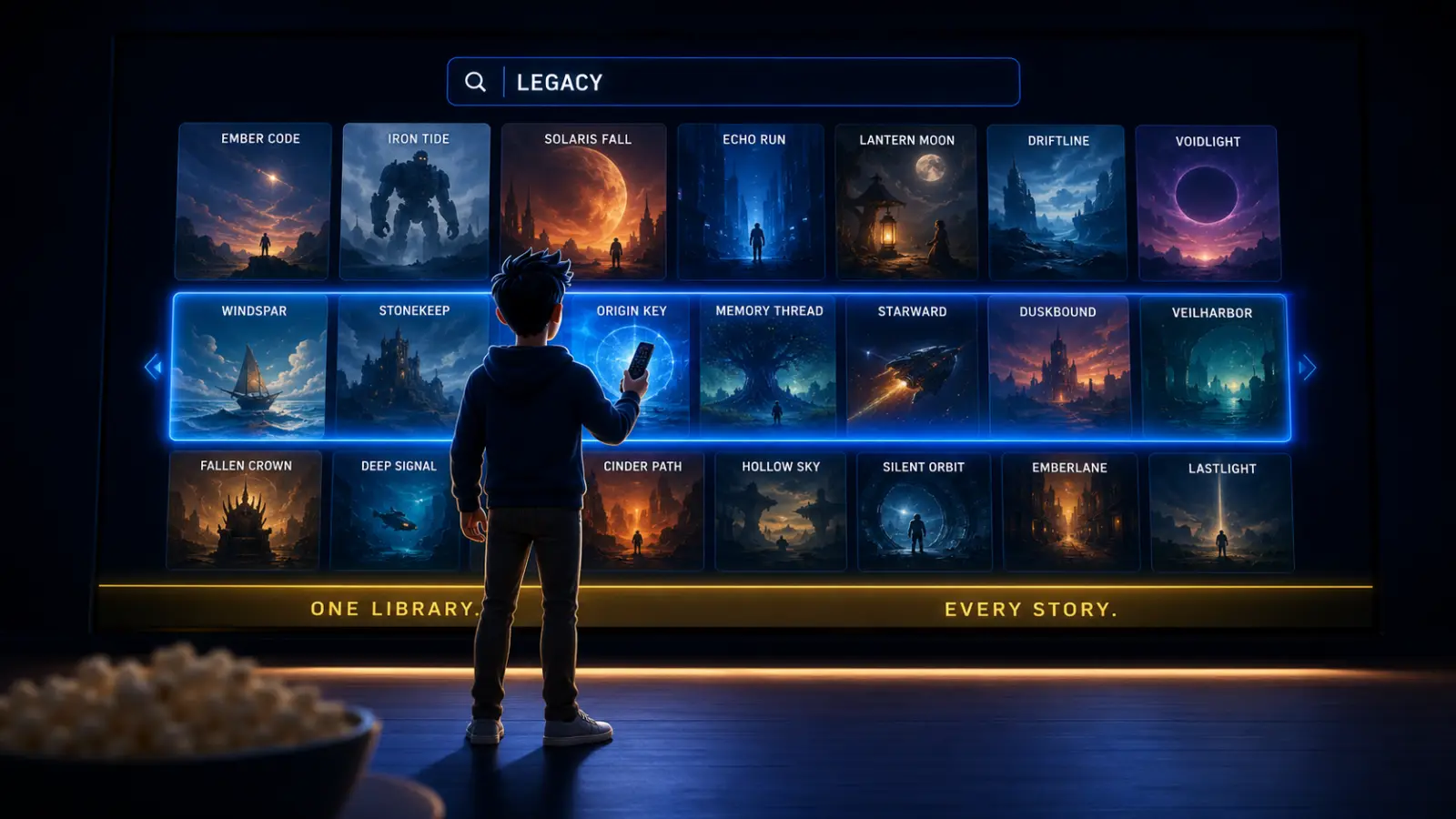
Use the search icon inside the Movies (VOD) section, not the live TV section — that is the single most common mistake. Live TV search only looks at channel names, so searching a film title there returns nothing even when the film is sitting in your library.
- IPTV Smarters Pro: Movies → magnifier icon (top right) → type three or four letters and pause; the list filters as you type.
- TiViMate: the search field lives in the side menu and covers both channels and VOD.
- Series: search the series name, not the episode title — episodes are nested inside the series entry.
With 150,000+ titles on an iMaxIPTV subscription, search is not a nice-to-have — it is the only sane way to navigate. If results look thin, refresh the account from the app’s settings so the library re-syncs.
How to Get Subtitles on IPTV Smarters Pro (Free)
Play the title, open the player’s overlay menu, and pick the subtitle track — it is built in and costs nothing. On Android and Firestick, press the centre/OK button during playback to bring up the control bar, then choose the speech-bubble or “CC” icon and select a language.
Three things worth knowing:
- Subtitles exist per title. Most VOD films carry embedded tracks; live channels usually do not, so an empty menu on a live channel is normal, not a fault.
- If a track is out of sync, use the same overlay to shift subtitle delay in small steps rather than restarting the stream.
- Do not install third-party subtitle plugins that ask for a payment to “unlock” tracks. The feature is native and free.
Which Player Should You Actually Install?
| Your device | Install first | Backup app |
|---|---|---|
| Fire TV Stick 4K | TiViMate | IPTV Smarters Pro |
| Android TV box | TiViMate | XCIPTV |
| Samsung Smart TV | IPTV Smarters Pro | Smart IPTV / Smart STB |
| LG Smart TV | IPTV Smarters Pro | Smart STB |
| iPhone / iPad | IPTV Smarters Pro | VLC |
| Windows / macOS | IPTV Smarters Pro (desktop) | VLC |
| MAG box | Built-in portal | — |
Swipe the table sideways to see every column.
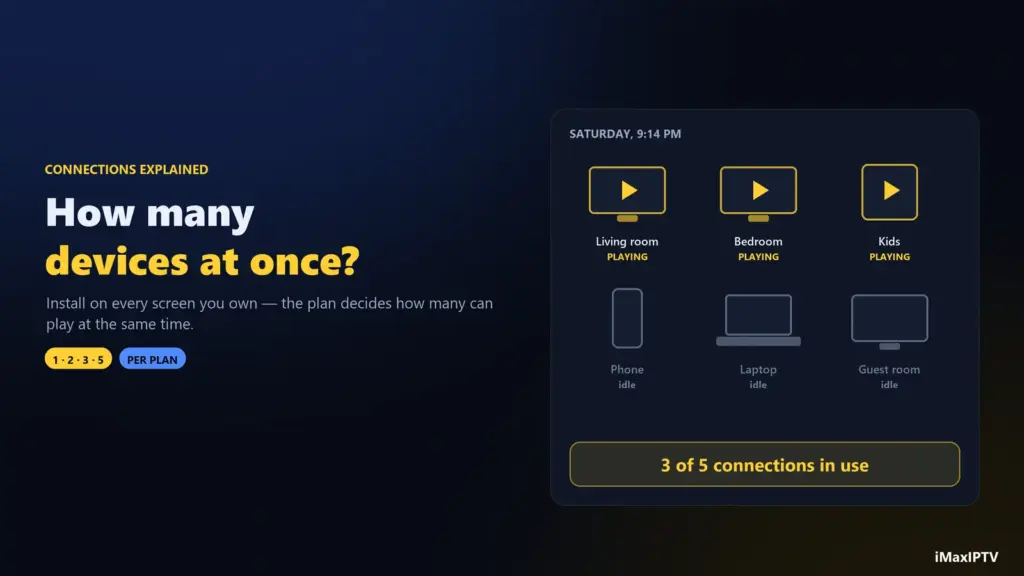
Install the first column, keep the second in reserve. Any decent provider gives you enough simultaneous connections to test two apps on the same account, and iMaxIPTV works with all of them out of the box — see the full channel line-up for what you will be scrolling through.
Five Player Settings That Fix Most Buffering
- Switch the stream format from HLS to TS (or back) on the channel that stutters.
- Raise the buffer size in player settings — a slightly slower channel change buys a much steadier picture.
- Force the hardware decoder if your device supports it; software decoding overheats cheap sticks.
- Turn off auto-EPG refresh during peak viewing. Loading a week of guide data mid-match competes with the stream.
- Use 5 GHz Wi-Fi or Ethernet. No app setting beats a wired connection, and the 25 Mbps that streaming services recommend for 4K assumes a stable link, not a crowded 2.4 GHz band.
So, Which IPTV Player Wins?
TiViMate wins on craft, IPTV Smarters Pro wins on reach, VLC wins on honesty. Most households end up with two of the three installed, and that is the correct answer rather than a compromise: one app for daily watching, one for when something misbehaves. What none of them can do is fix a weak subscription behind them — the player controls the experience, the provider controls the picture. Start with a service that carries the channels you want, then pick the app that suits your screen.
Frequently Asked Questions
What is the best IPTV player?
TiViMate is the best IPTV player overall for Firestick and Android devices, thanks to its fast channel switching and full multi-day guide. IPTV Smarters Pro is the best choice if you need one app that also works on Samsung, LG, iPhone and Windows.
What is the best player for IPTV on a Smart TV?
IPTV Smarters Pro on Samsung and LG, with Smart IPTV or Smart STB as the fallback if your regional app store does not carry Smarters.
What is IPTV Smarters Pro?
It is a free IPTV client app that turns your Xtream Codes login or M3U playlist into an organised Live TV, Movies and Series interface. It carries no content of its own.
Is IPTV Smarters safe?
Yes. The app is a player and cannot access content beyond what your provider sends it. Download it from an official store, and judge safety by the subscription you buy rather than by the app.
How do I add IPTV to Plex?
Go to Settings → Live TV & DVR → Set up Plex Tuner, enter your M3U URL as the tuner and your XMLTV URL as the guide, then map the channels. A Plex Pass is normally required, and a trimmed playlist works far better than the full list.
What is a portal URL in IPTV?
It is the server address a MAG box or Stalker app uses to reach your provider’s middleware, typically ending in :8080/c/, and it is tied to your device MAC address instead of a username.
What is the best stream format for IPTV?
HLS (.m3u8) for most homes, because it adapts to your connection. MPEG-TS (.ts) has slightly lower latency and suits a wired connection watching live sport.
How do I search for a movie in IPTV?
Open the Movies/VOD section and use the search icon there. Searching from the Live TV screen only matches channel names, which is why film titles return nothing.
How do I get subtitles on IPTV Smarters Pro for free?
Press OK during playback to open the control bar, select the subtitle icon, and pick a track. It is a built-in feature — no paid plugin is needed.
Does the player change my channel quality?
Indirectly, yes. Your provider decides the source quality, but the player decides buffer size, decoder and stream format, and those three settings account for most of the difference between a smooth picture and a stuttering one.
Ready to try iMaxIPTV?
50,000+ channels in 4K. Instant setup, money-back guarantee.