
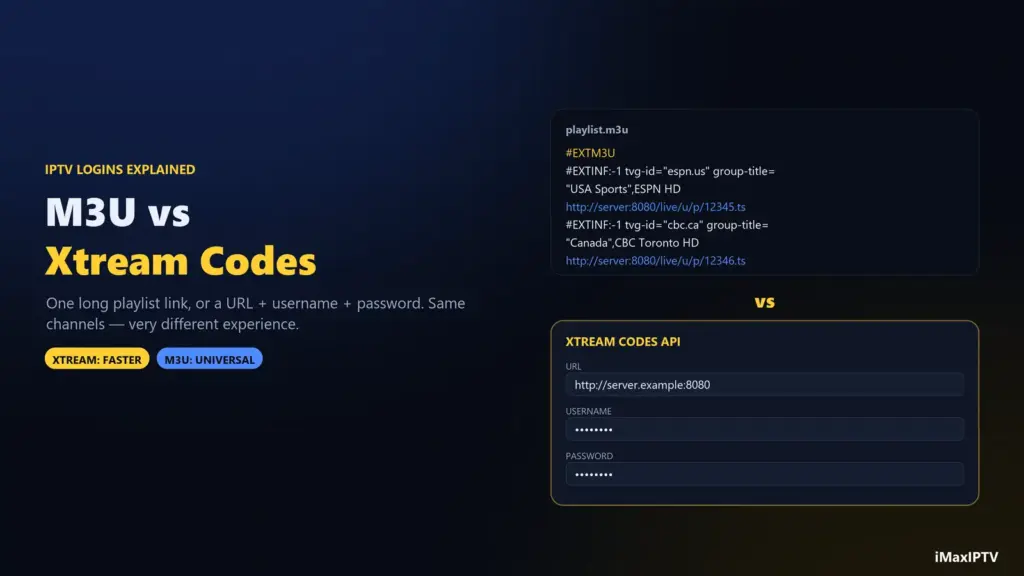
Short answer: an M3U is a single playlist link that lists every channel in one long text file; Xtream Codes is a login made of a server URL, a username and a password that lets the app ask the server for channels category by category. Both open the same subscription. Use Xtream Codes whenever your app supports it — it loads faster, sorts movies and series properly and pulls the TV guide automatically. Keep the M3U link for apps and Smart TVs that only accept playlists.
When an IPTV provider activates your account, the message often contains both: a block with “URL / Username / Password” and a very long link ending in something like type=m3u_plus. They look unrelated. They aren’t — they are two doors into the same house, and knowing which door to use saves a lot of slow loading and empty guides.
What Is an M3U Playlist?
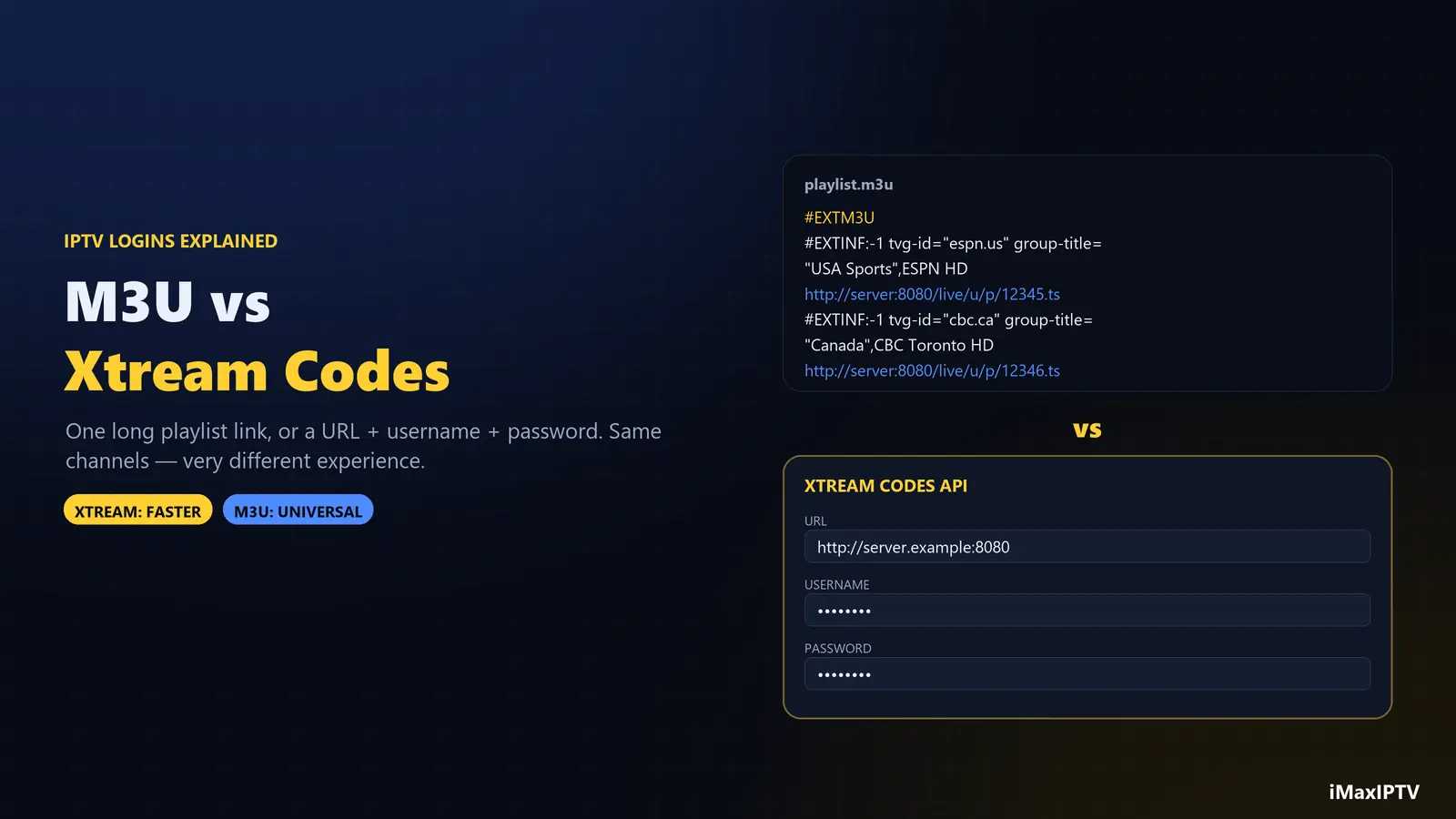
M3U is an old, simple file format — originally for MP3 playlists — that IPTV adopted because every player can read it. An IPTV M3U is a text file where each channel takes two lines: an information line and the stream address.
#EXTM3U
#EXTINF:-1 tvg-id="espn.us" tvg-logo="…/espn.png" group-title="USA Sports",ESPN HD
http://server.example:8080/live/user/pass/12345.ts
The group-title becomes the category in your app, tvg-logo the channel logo, and tvg-id links the channel to its TV-guide entry. Multiply that by tens of thousands of channels — plus every movie and episode — and an M3U file for a big service runs to many megabytes. Your device downloads and parses the whole thing every time it refreshes. That’s the M3U’s main weakness.
How an M3U URL is built
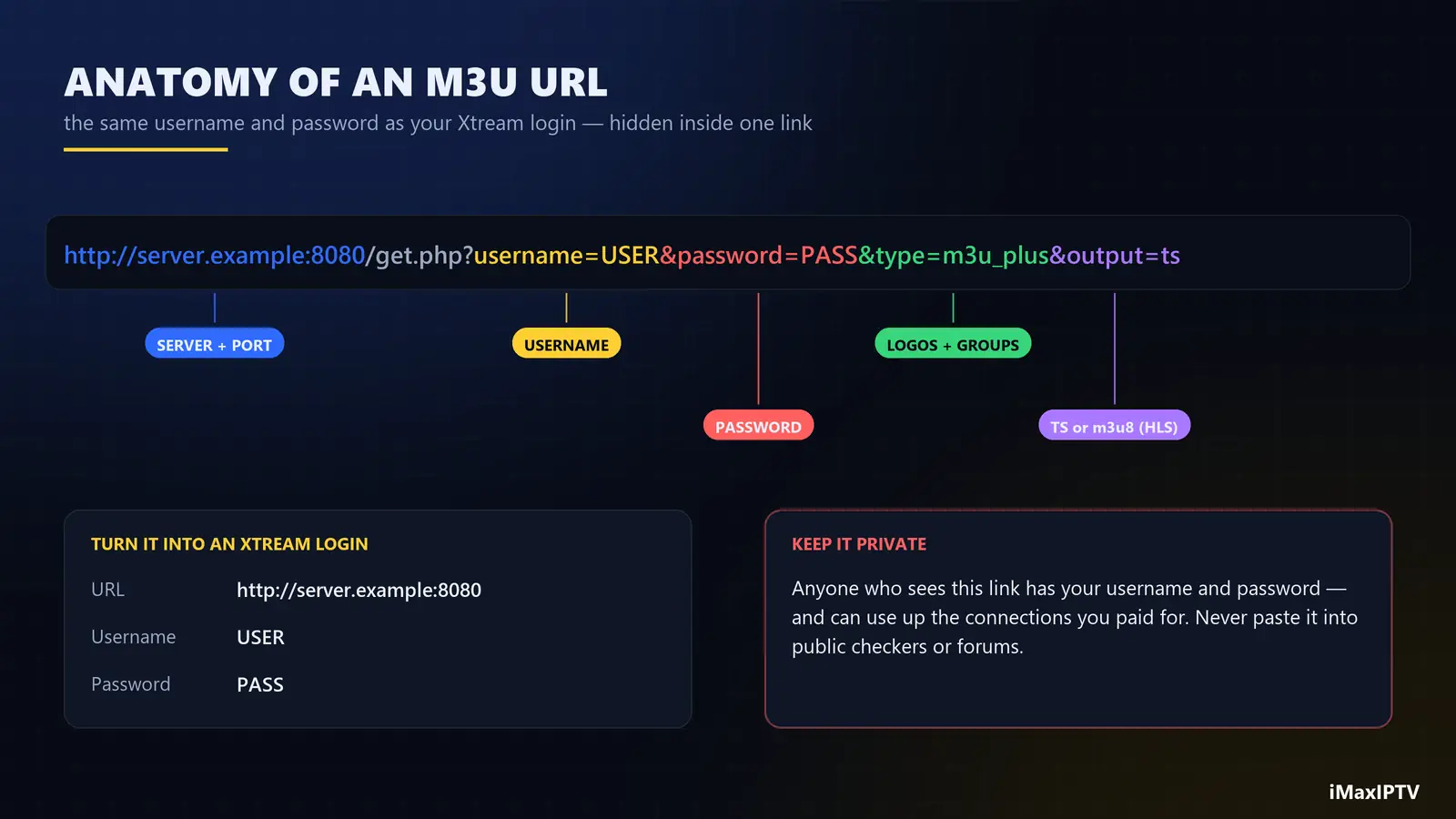
Most providers generate the playlist link from your account like this:
http://server.example:8080/get.php?username=USER&password=PASS&type=m3u_plus&output=ts- server and port — the provider’s server address.
- username / password — your account; the same ones used for Xtream.
type=m3u_plus— the “plus” version includes logos and categories. Plainm3uis a bare list.output=tsoroutput=m3u8— the stream format: MPEG-TS or HLS. If streams stutter in one, try the other.
Notice that the username and password are sitting inside the link. Anyone who sees your M3U URL has your login — treat it like a password and never paste it into public playlist checkers.
What Is Xtream Codes?
Xtream Codes started as the name of an IPTV server panel. The original company shut down in 2019, but the way its apps talk to servers — the Xtream Codes API — became the standard that almost every IPTV panel and player still uses. When an app offers “Login with Xtream Codes API”, it means: give me a URL, a username and a password, and I’ll ask the server for what I need.
The difference is how the app asks. Instead of downloading one giant file, it requests the list of categories, then the channels in the category you open, then the guide for those channels. Less data, faster screens, and movies and series arrive with posters, plot summaries and season structure intact.
M3U vs Xtream Codes: Side by Side
| M3U playlist | Xtream Codes API | |
|---|---|---|
| What you enter | One long URL | Server URL + username + password |
| First load on a big service | Slow (whole file at once) | Fast (loads on demand) |
| TV guide (EPG) | Often needs a separate XMLTV link | Automatic |
| Movies & series | Long flat lists, few details | Categories, posters, seasons, plots |
| Catch-up / replay | Rarely | Supported where the channel offers it |
| Account info (expiry date) | Not shown | Shown in the app |
| App support | Almost universal, incl. VLC and Smart TV apps | Smarters, TiViMate, most modern players |
| Best for | MAC-based TV apps, VLC, quick tests | Everyday watching on any modern app |
Swipe the table sideways to see every column.
Which One Should You Use?
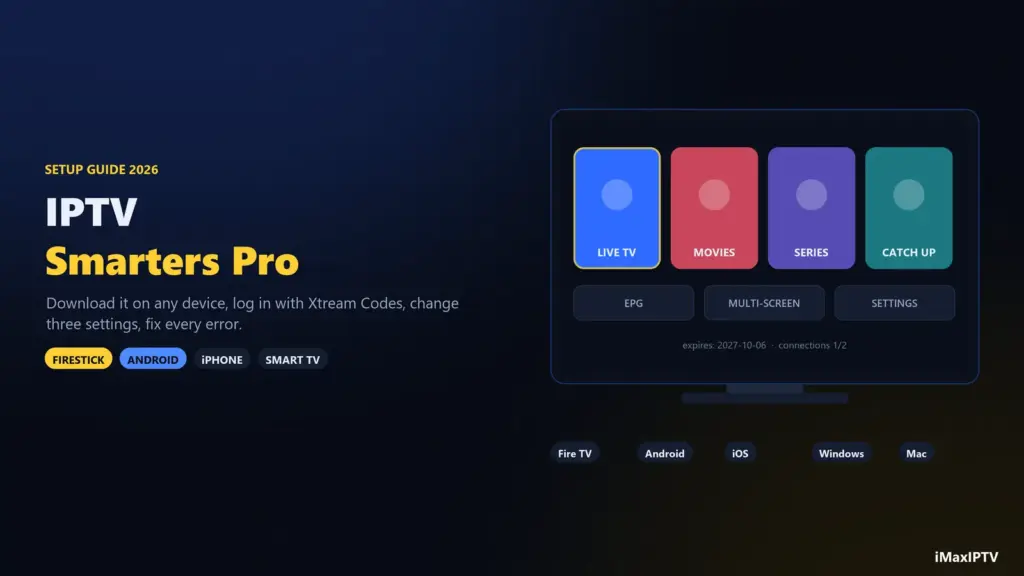
Simple rule: if the app has an Xtream Codes option, use it. That covers IPTV Smarters Pro, TiViMate, Smarters Player Lite on iPhone, and most players on Android TV and Firestick. Our Smarters Pro guide shows the exact fields.
Use the M3U link when:
- your Samsung or LG TV app only accepts a playlist uploaded on the developer’s website (the MAC-address apps);
- you want to test a single stream in VLC on a laptop;
- an app’s Xtream login is failing and you need to know whether the problem is the app or the account.
Some TV apps use a third login type — a MAC portal (sometimes called Stalker), where the provider registers your device’s MAC address. It’s the norm on MAG boxes. If you have one, ask your provider for a portal URL instead of an M3U.
What About the EPG (TV Guide) Link?
With Xtream Codes the guide comes along automatically. With an M3U you may need to add an EPG link separately — usually an XMLTV address on the same server:
http://server.example:8080/xmltv.php?username=USER&password=PASSIf the guide shows the wrong programme, the link is fine and the time zone isn’t: set the EPG time offset in your app’s settings. Viewers in Pacific time are most often affected.
Common Login Problems (and Which Login Fixes Them)
- “Playlist loading forever” — a huge M3U on a weak device. Switch to Xtream Codes.
- Movies show up as one endless list — you’re on M3U. Xtream sorts them properly.
- “Invalid credentials” on Xtream but the M3U works — the URL field is wrong. Copy just the
http://server:portpart, without/get.php…. - Channels open but stutter — change
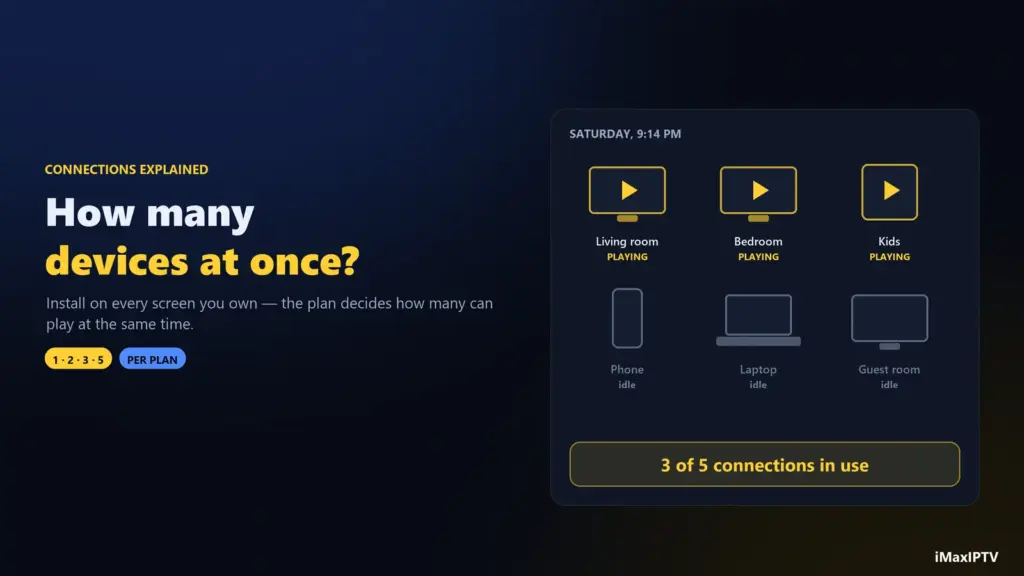
output=tstooutput=m3u8(or the app’s stream-format setting). If it persists in the evening only, read our buffering guide. - Login worked yesterday, not today — check the expiry date (Xtream shows it in the app) or whether too many devices are connected at once.
Where to Get Your M3U or Xtream Login
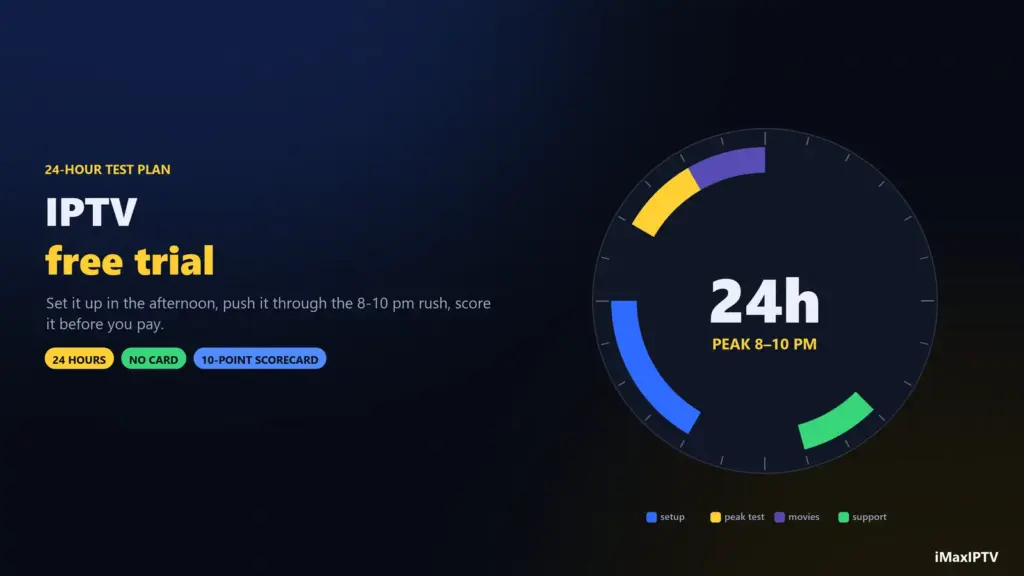
From your provider, and only from your provider. “Free M3U playlists” on GitHub or Reddit are either legal free channels (fine, but thin) or leaked accounts that die within days. With iMaxIPTV you receive both formats on WhatsApp within 5–15 minutes of ordering — and during the free 24-hour trial, so you can try both and keep whichever your devices prefer. Plans and connections are on the pricing page.
The Bottom Line
M3U and Xtream Codes unlock the same channels. Xtream is the better everyday choice — faster, tidier and with a working guide — while M3U is the universal fallback for TV apps, VLC and troubleshooting. Keep both somewhere safe, use Xtream wherever you can, and never share either link: both contain your password.
Frequently Asked Questions
What is the difference between M3U and Xtream Codes?
An M3U is one playlist URL containing every channel in a single file. Xtream Codes is a login (server URL, username, password) that lets the app load channels, movies, series and the guide on demand. Both open the same subscription; Xtream is faster and better organised.
Is Xtream Codes better than M3U?
For everyday viewing, yes: it loads faster, includes the TV guide automatically, sorts movies and series with posters and seasons, and shows your account expiry date. M3U is better only where an app or TV does not support Xtream.
Can I convert an M3U link to an Xtream Codes login?
Usually yes. In a link like http://server:8080/get.php?username=USER&password=PASS, the URL is http://server:8080, the username is USER and the password is PASS. Enter those three into the Xtream login screen.
What does m3u_plus mean?
It is the extended playlist type that includes channel logos, categories (group titles) and guide IDs. A plain m3u type lists only names and addresses.
Is Xtream Codes still working in 2026?
The original company closed in 2019, but its API is still the standard login format used by most IPTV panels and players, including IPTV Smarters Pro and TiViMate.
Is it safe to share my M3U link?
No. The link contains your username and password, so anyone who has it can use your account and take your connections. Keep it private like a password.
Ready to try iMaxIPTV?
50,000+ channels in 4K. Instant setup, money-back guarantee.
Leave a Reply