
Short answer: to get IPTV you need four things — a steady internet connection (about 25 Mbps for 4K), a device that can run an IPTV app (a Firestick, an Android TV box or any recent Smart TV), a player app such as IPTV Smarters Pro or TiViMate, and a subscription from an IPTV provider, who sends you a login. You install the app, type in the login, and live channels appear. The whole job takes about fifteen minutes, and you can test it for free before paying anything.
That is the entire process, but every step hides one or two decisions that trip up first-timers: which device, which app, which kind of login, and how to tell a decent provider from one that will freeze every Saturday night. This guide walks through the five steps in order, with the specific choices that matter for viewers in the USA and Canada.
What IPTV Actually Is (in One Paragraph)
IPTV — Internet Protocol Television — is live TV delivered over your internet connection instead of a cable or a satellite dish. A provider runs servers that carry thousands of channels plus a library of on-demand movies and series; you watch them through an app on your TV. There is no box to rent, no installer appointment and no annual contract. With iMaxIPTV, for example, that means 50,000+ live channels and 150,000+ movies and series in 4K, FHD and HD, on whatever screen you already own.
The important mental model: the app and the subscription are two separate things. The app (Smarters, TiViMate, and so on) is just the remote control and the channel grid. It shows nothing until you log it into a provider. Most beginner confusion — “I downloaded IPTV but there are no channels” — comes from mixing the two up.
What Do You Need for IPTV?
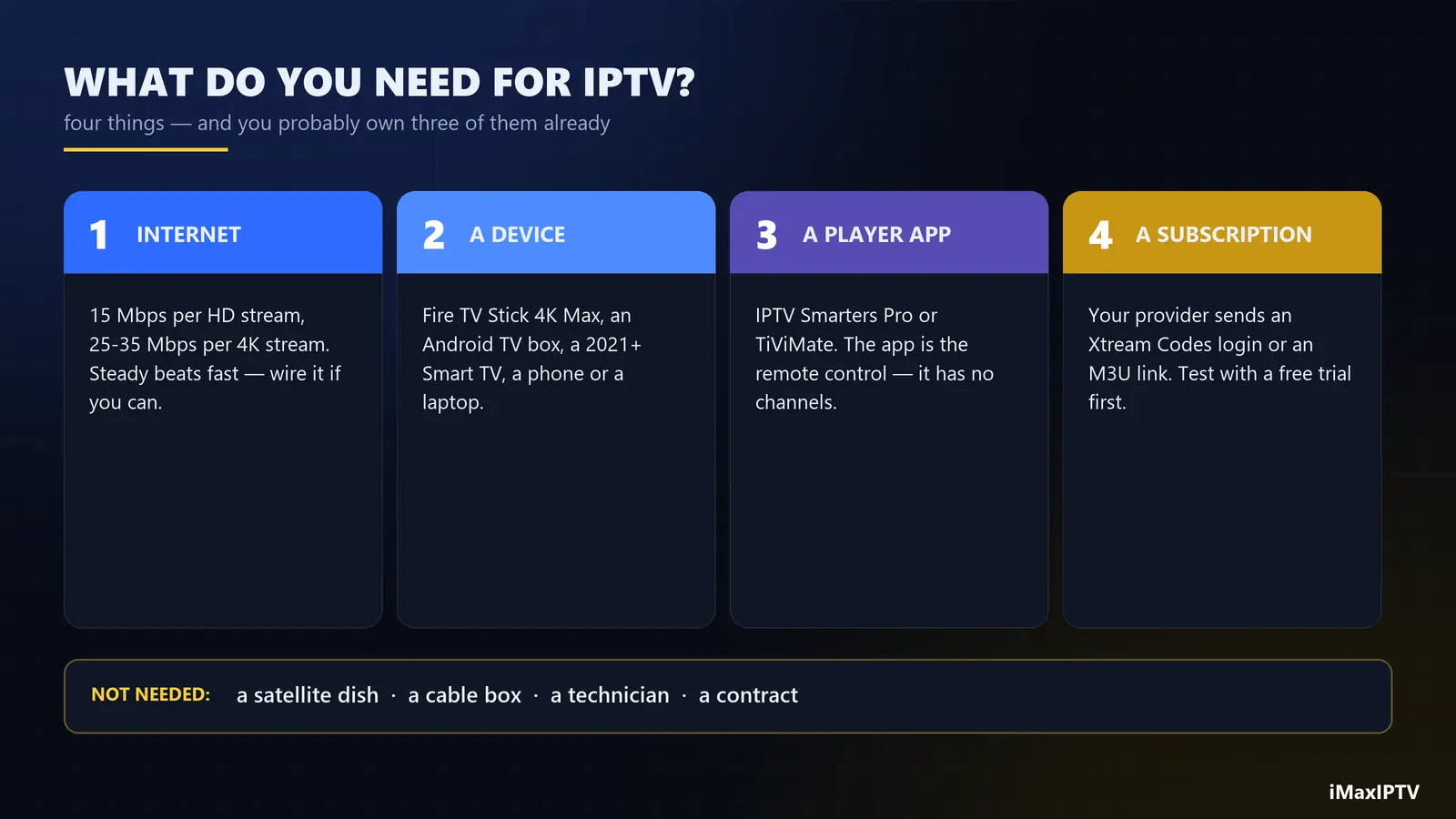
| You need | Minimum | Recommended |
|---|---|---|
| Internet | 15 Mbps per HD stream | 25–35 Mbps per 4K stream, wired if possible |
| Device | Any Android phone or laptop | Fire TV Stick 4K Max, Android TV box or a 2021+ Smart TV |
| Player app | VLC (for a quick test) | IPTV Smarters Pro or TiViMate |
| Subscription | A free trial | A plan with enough connections for your household |
Swipe the table sideways to see every column.
Notice what is not on the list: a satellite dish, a cable box, a technician, or a special router. If you can stream Netflix today, you can almost certainly run IPTV tonight.
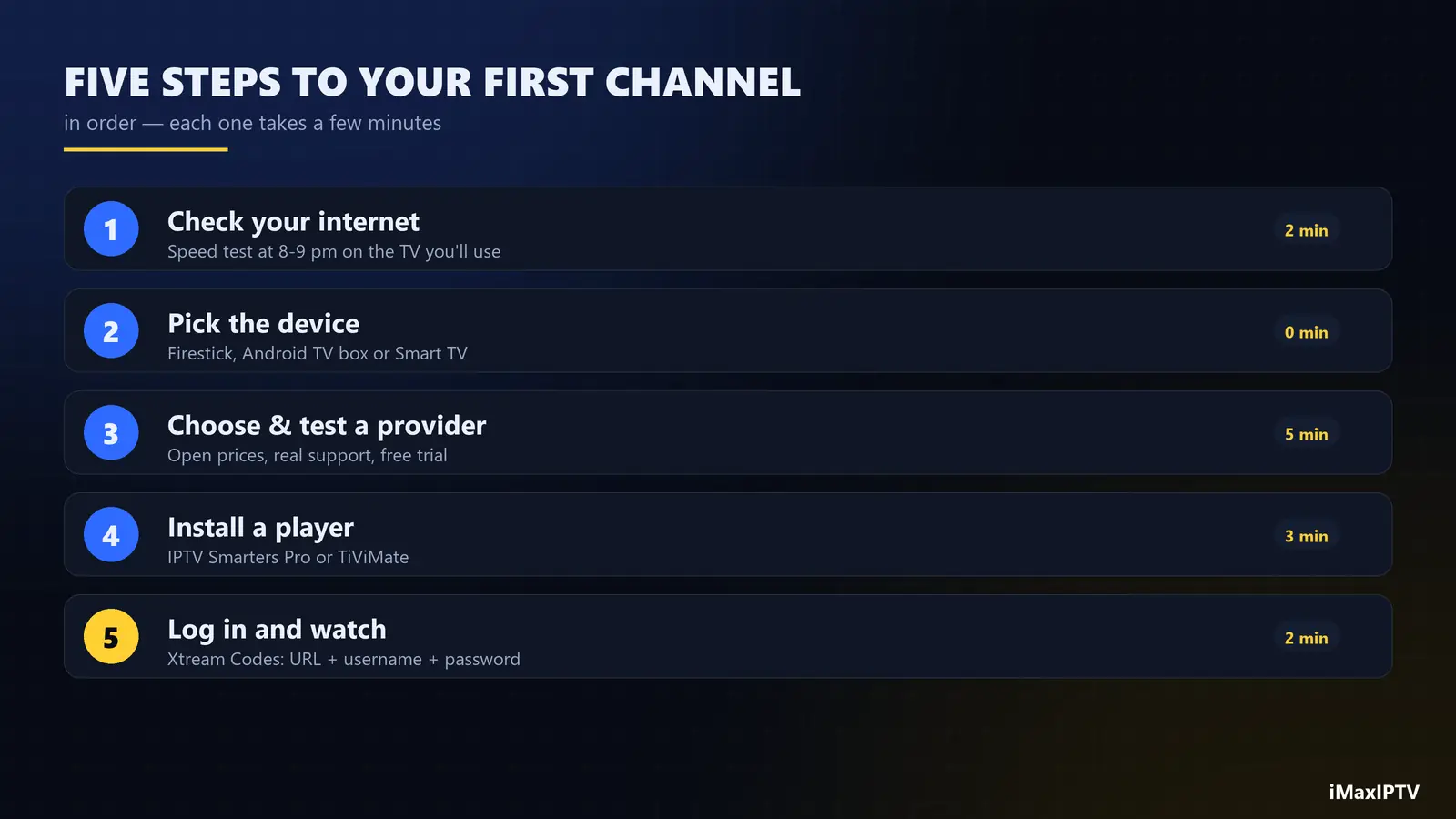
Step 1 — Check Your Internet Connection
Run a speed test on the device you will actually watch on, at the time you usually watch — 8 or 9 pm, not 10 am. The number you care about is steadiness, not the peak. A connection that holds 40 Mbps all evening beats one that bursts to 400 and drops to 5 every few minutes.
- Under 15 Mbps: HD only, one screen. Use Ethernet if you can.
- 25–50 Mbps: comfortable 4K on one or two screens.
- 100 Mbps and up: several 4K screens at once, no worries.
If your TV sits far from the router, a $15 USB Ethernet adapter for a Firestick (or a mesh Wi-Fi node) fixes more streaming problems than any upgrade to your internet plan. We explain why in our IPTV buffering guide.
Step 2 — Pick the Device You’ll Watch On
You probably own a suitable device already. In order of how easy they make IPTV:
- Amazon Fire TV Stick 4K / 4K Max — the most common IPTV device in North America. Cheap, fast, and every major player app runs on it.
- Android TV / Google TV boxes (Chromecast with Google TV, NVIDIA Shield, onn. 4K) — install apps straight from the Play Store, with an Ethernet port on many models.
- Samsung and LG Smart TVs — work well with apps from their own stores; setup is slightly different (some apps use a MAC address).
- Phones, tablets and laptops — perfect for testing and for watching in another room.
If you are buying something new, our best IPTV box guide compares the options by price and picture quality. Short version: a Fire TV Stick 4K Max plus an Ethernet adapter is the best value in 2026.
Step 3 — Choose a Provider (and Test It First)
This is the step that decides whether IPTV feels better than cable or worse. Channel counts on a sales page are easy to inflate; stability on a Saturday night is not. Before you pay for anything long, check that the provider:
- publishes its prices and plans openly, with no “message us for the price” games;
- offers a free trial or a cheap one-month plan so you can test on your own device;
- has real support you can reach — WhatsApp or live chat, not just a contact form;
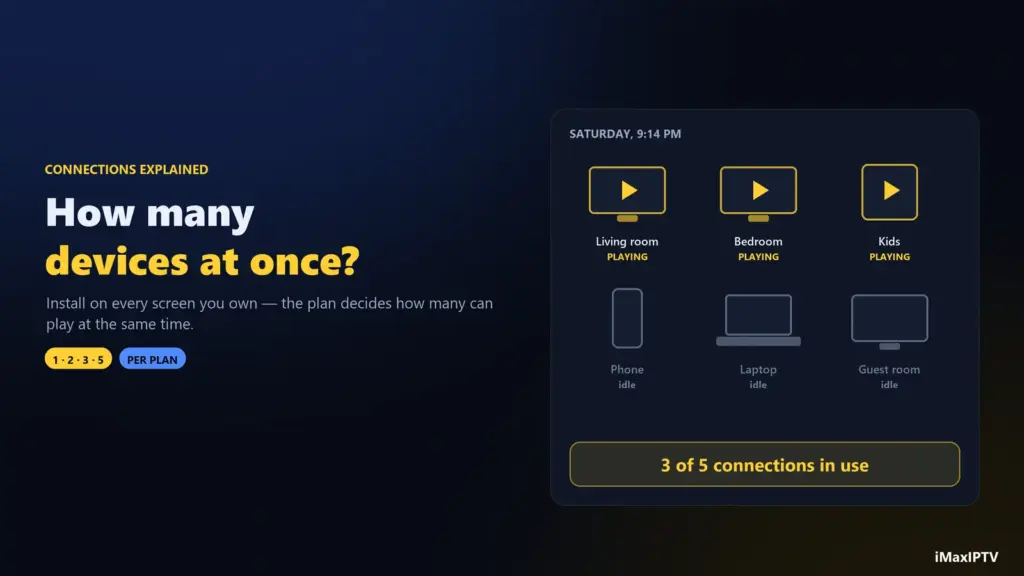
- states how many devices can stream at the same time on each plan;
- carries the channels you actually watch — your local news, your team’s sports network, your language.
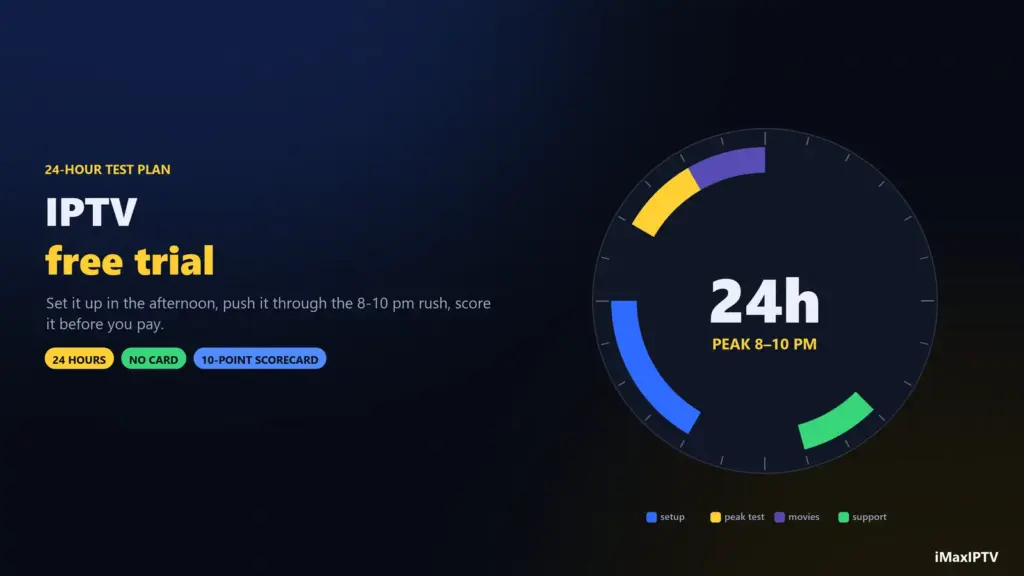
Then test during peak hours. Our IPTV free trial checklist lists exactly what to try in the first 24 hours so you know within an evening whether a service is worth keeping. At iMaxIPTV the trial is free, takes a WhatsApp message to request, and runs on the same servers as the paid plans.
Step 4 — Install a Player App
Once the provider confirms your account, install a player. The two best all-rounders:
- IPTV Smarters Pro — free, works on almost every device, and accepts both kinds of login. Our IPTV Smarters Pro guide covers download and setup device by device.
- TiViMate — the favourite on Android TV and Firestick for its cable-style TV guide; the premium version adds recording and multiple playlists.
On a Firestick, some players are not in the Amazon Appstore and are installed with Amazon’s own Downloader app; our installation page shows each device step by step.
Step 5 — Log In and Start Watching
Your provider sends you one of two login types, sometimes both:
- Xtream Codes login — a server URL, a username and a password. This is the one to use when the app offers it: it loads faster and pulls the TV guide automatically.
- M3U playlist URL — one long link that contains everything. Useful for apps and TVs that do not support Xtream.
The difference matters more than it looks, so we wrote a whole explainer on M3U vs Xtream Codes. Either way: type the details exactly (a single extra space breaks the login), wait a minute while channels and the guide download, and open a live channel. That’s it — you have IPTV.
How Much Does It Cost to Get IPTV?
Much less than cable. The usual pattern is a one-time payment per period, with no contract and no equipment fee. For reference, iMaxIPTV’s current plans are:
| Plan | Price | Devices at the same time |
|---|---|---|
| 1 Month | $15 | 1 |
| 3 Months | $35 | 1 |
| 6 Months | $55 | 1 |
| 1 Year | $80 | 2 |
| 2 Years (limited promo) | $120 | 3 |
| Lifetime (limited-week promo) | $150 one-time | 5 |
Swipe the table sideways to see every column.
Start with the free trial, move to one month if you like it, and only then think about a longer plan. The pricing page always shows the live prices, and our guide to IPTV connections helps you pick the right number of screens.
Common Mistakes When Getting IPTV for the First Time
- Paying for a year on day one. Test first. A provider that is great at noon can be unwatchable at 9 pm.
- Judging by channel count alone. 50,000 channels you never watch matter less than the twenty you do watching smoothly.
- Using a $25 no-name box. Underpowered boxes buffer no matter how good the service is.
- Sharing one connection across the house. A one-device plan on two TVs will keep kicking one of them off — pick a plan with enough connections.
- Typing the login on the TV remote. Copy it from your phone carefully; most “it doesn’t work” messages are a typo.
The Bottom Line
Getting IPTV in 2026 is a fifteen-minute job: confirm your internet holds up in the evening, pick a device you already own, test a provider for free, install Smarters or TiViMate, and log in. The only decision that really needs care is the provider — so test before you commit. If you want to try ours, message us for the free 24-hour trial; you’ll be watching before the kettle boils.
Frequently Asked Questions
How do I get IPTV on my TV?
Install an IPTV player app on your Smart TV, Fire TV Stick or Android TV box, then log it in with the Xtream Codes details or M3U link your provider sends you. Channels and the TV guide load within a minute or two.
Do I need a special box to get IPTV?
No. Any Fire TV Stick, Android TV box, recent Samsung or LG Smart TV, phone, tablet or computer can run IPTV. A dedicated box mainly adds speed and an Ethernet port.
Can I get IPTV for free?
You can test it for free. Most good providers offer a short trial — iMaxIPTV’s runs 24 hours on the same servers as paid plans. Free public playlists exist, but they are small, unreliable and carry no sports or movie library.
What internet speed do I need for IPTV?
About 15 Mbps for one HD stream and 25–35 Mbps for one 4K stream. Steadiness matters more than peak speed, so a wired connection is the best upgrade.
How long does it take to get IPTV working?
Usually 15 minutes or less: a few minutes to receive the login after ordering (5–15 minutes at iMaxIPTV), a few minutes to install the app, and a minute for the channel list to load.
Is IPTV better than cable?
For most households it is cheaper, works on more screens and offers far more channels and on-demand content, with no contract or equipment rental. The trade-off is that quality depends on your provider, which is why you should always test first.
Ready to try iMaxIPTV?
50,000+ channels in 4K. Instant setup, money-back guarantee.
Leave a Reply